
One More Day · Guide
Welcome to One More Day
Choose a few commitments, record what you do, and protect your mission health.
Open the complete visual walkthrough ↗
Getting started
- Open the app and complete your profile.
- Choose a mission and its target days.
- Save the mission, then follow the first guided tour.
Every feature, step by step
Start onboarding
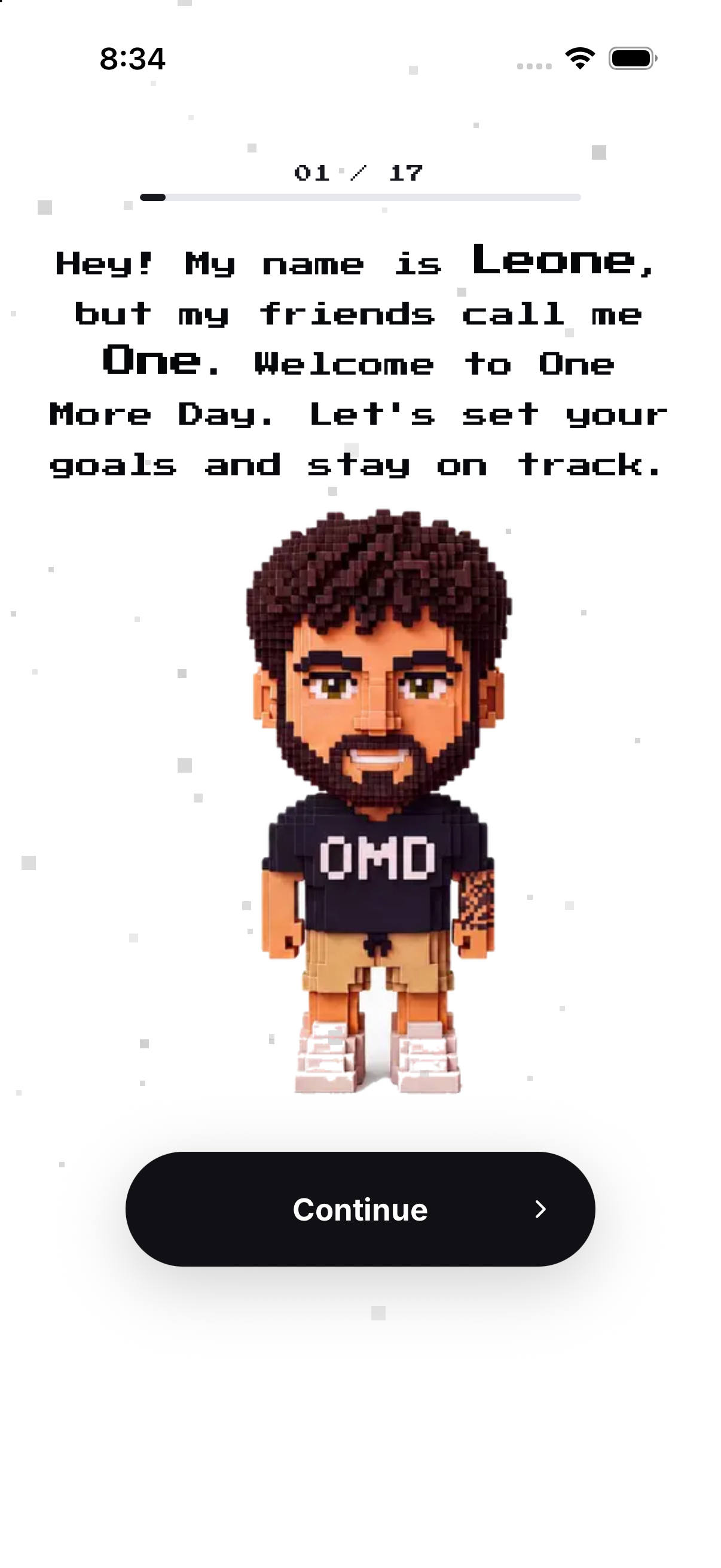
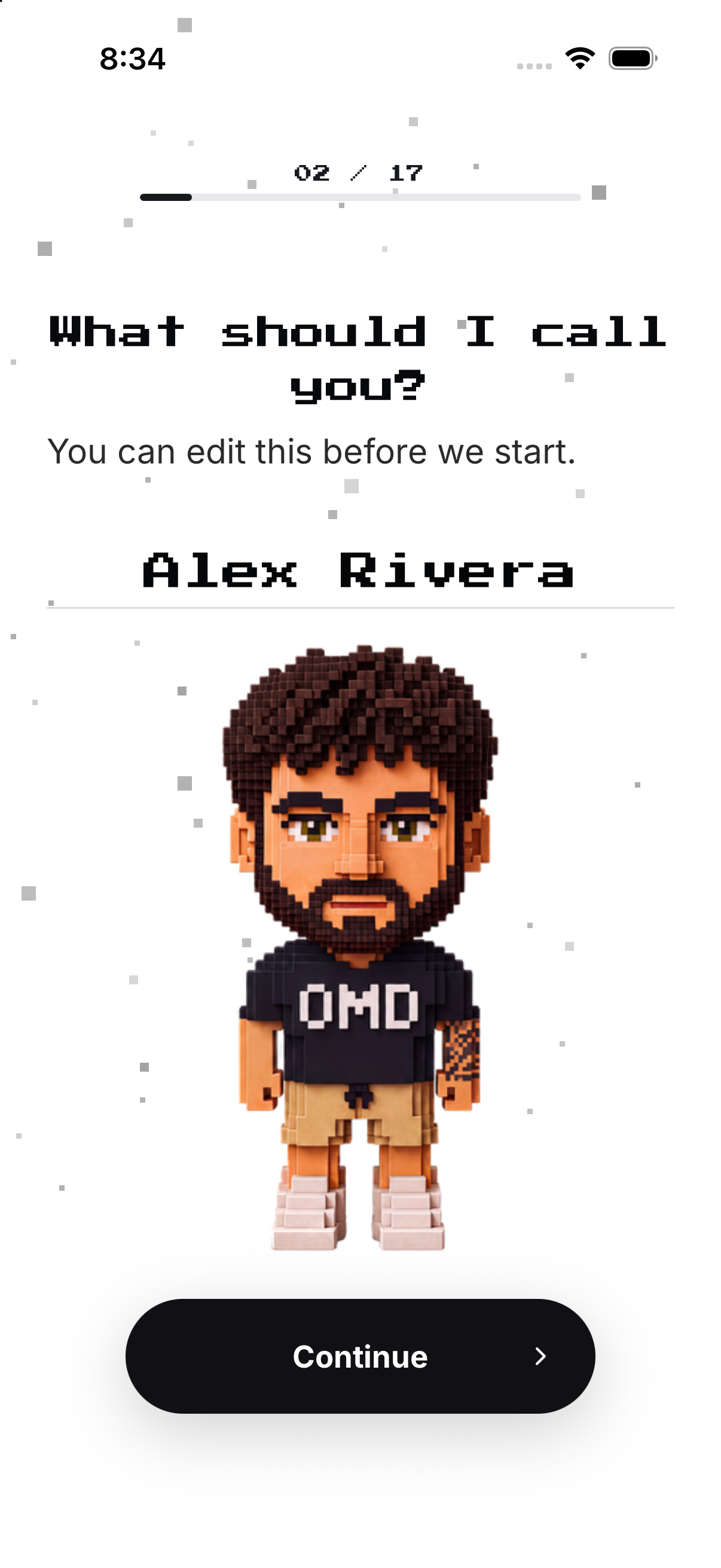
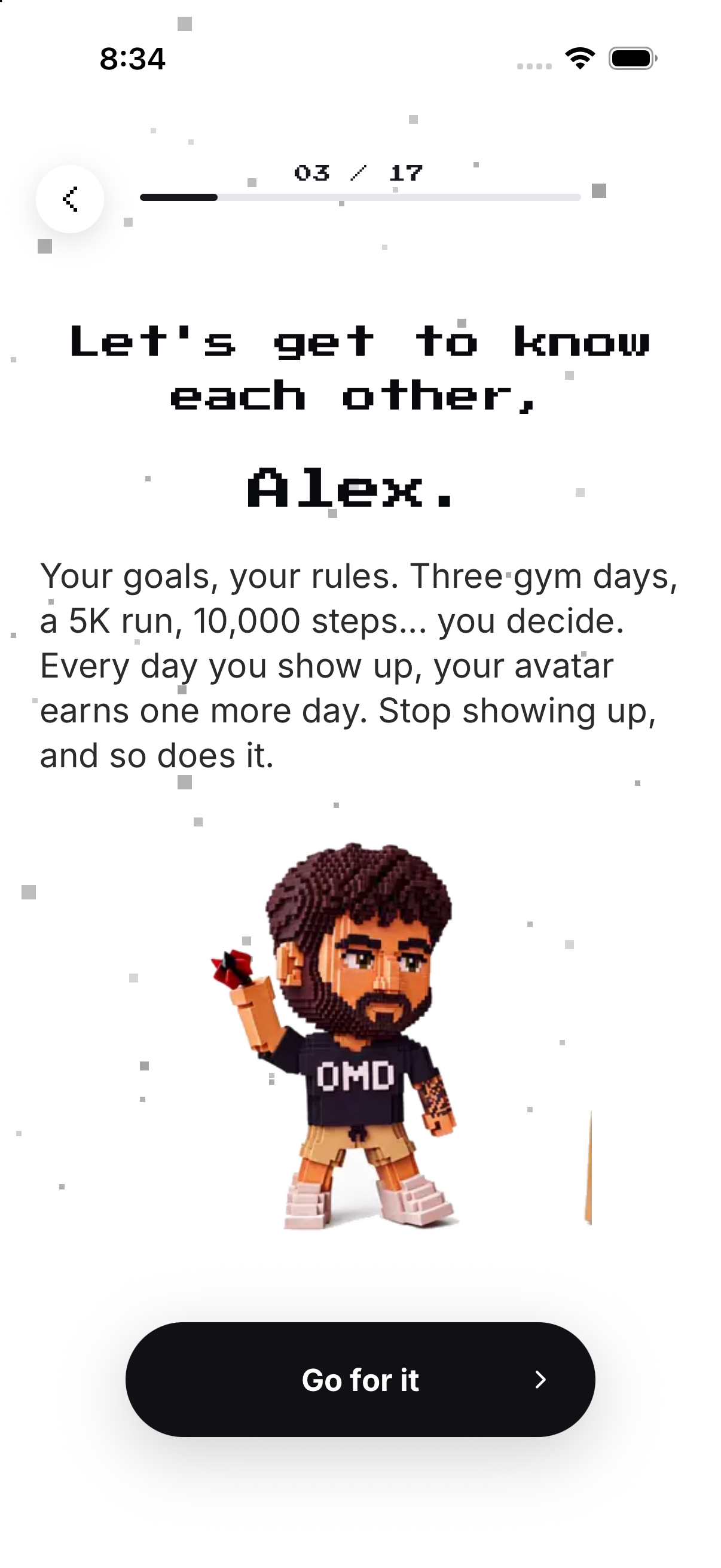
Begin with the introduction and provide the name used by the onboarding flow.
- Open the app for the first time. The onboarding introduction appears.
- Tap Continue. Moves to the name step.
- Enter the name you want the app to use. Enables the next step.
- Continue. Carries the name into the guide introduction.
Use the first guided tour
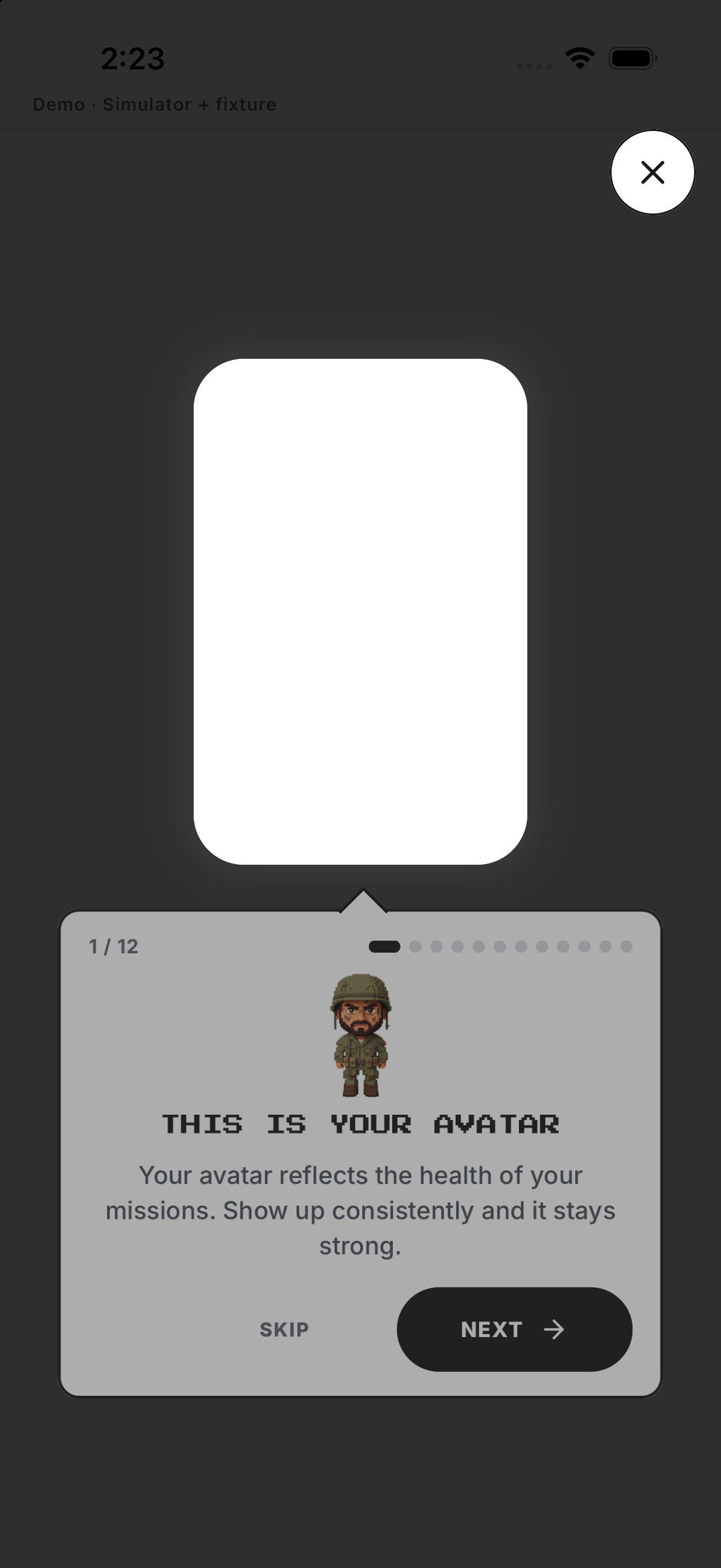
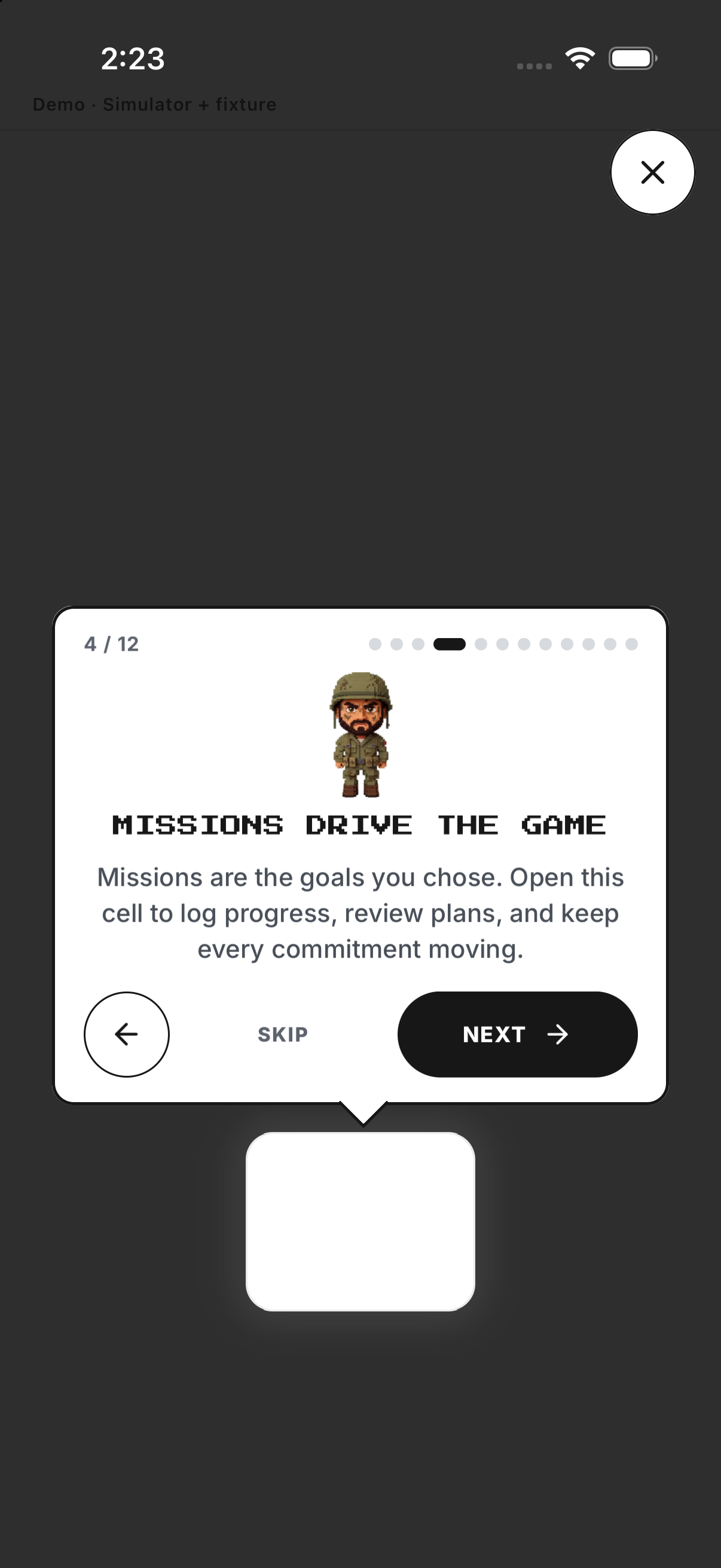
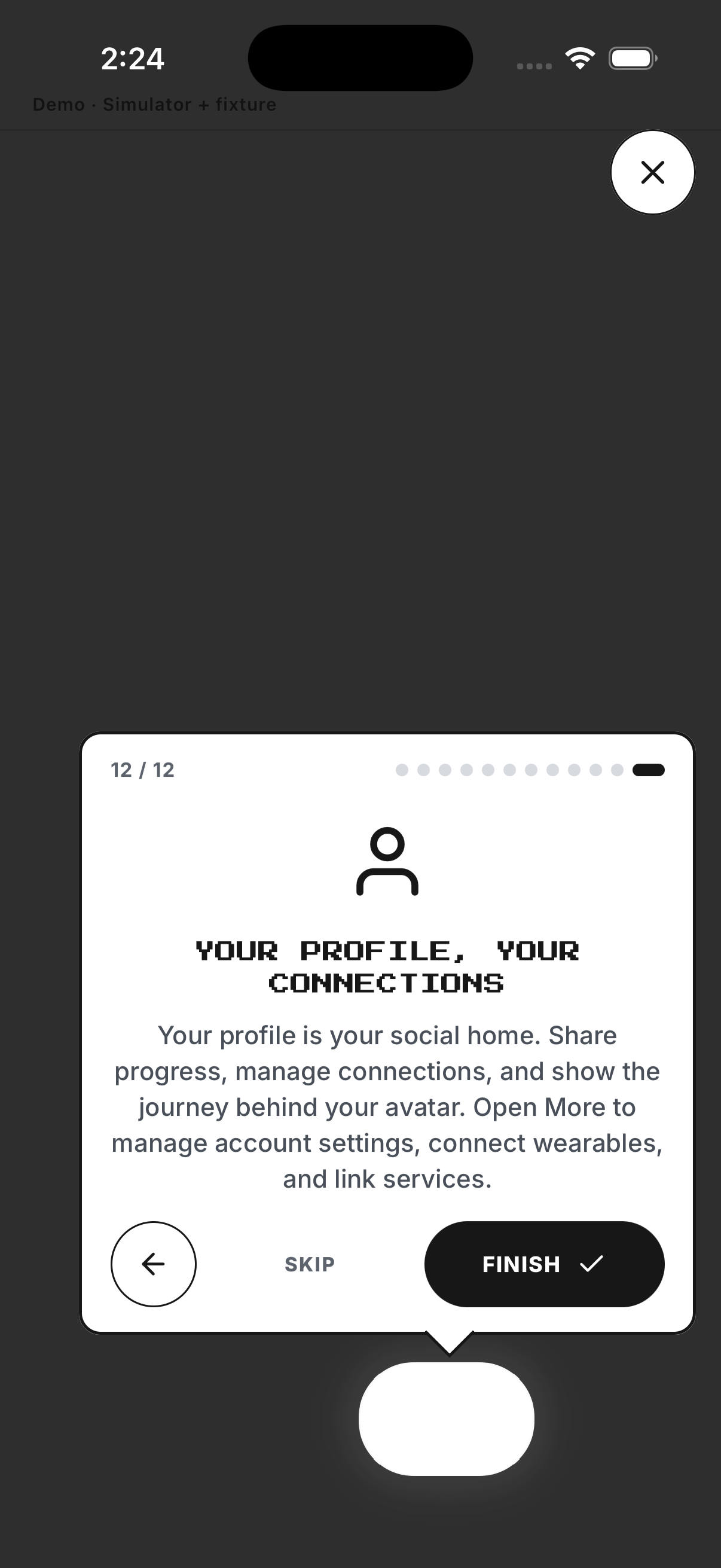
The tour points to real Home and navigation controls one at a time.
- Start the guided tour. Opens the first spotlight.
- Tap Next. Moves from Avatar to HP, XP, Missions, streak and coins.
- Continue through Dashboard, Map, Ranking and Challenges. Each step identifies the control and its role.
- Finish after Squads and Profile. Closes the overlay and leaves the features available.
Example
Fictional: Ana starts with three running days.
Keep in mind
Start with commitments you can repeat.