
One More Day · Guide
Ranking
Ranking compares global, nearby, mission-category and active-challenge progress.
Open the complete visual walkthrough ↗
Getting started
- Open More > Ranking.
- Choose Global, Nearby or Challenges.
- Select a valid category.
- Treat unavailable or empty as unknown, not zero.
Every feature, step by step
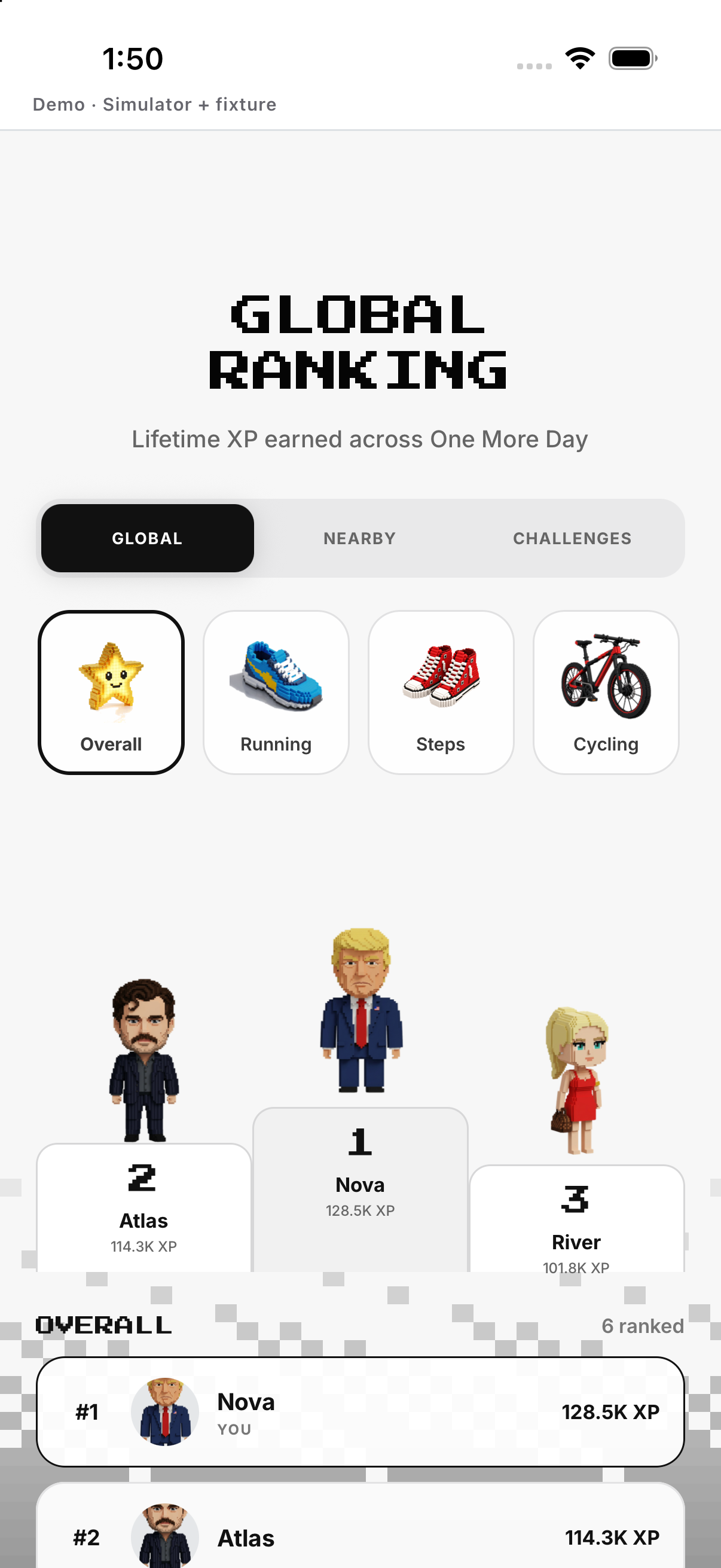
Global ranking
Open Ranking and keep Global selected.
- Open Ranking. Loads the leaderboard.
- Select Global. Shows eligible members in the global scope.
- Choose the ranking period when offered. Changes the comparison window.
- Tap a member. Opens that public profile when permitted.
Nearby ranking
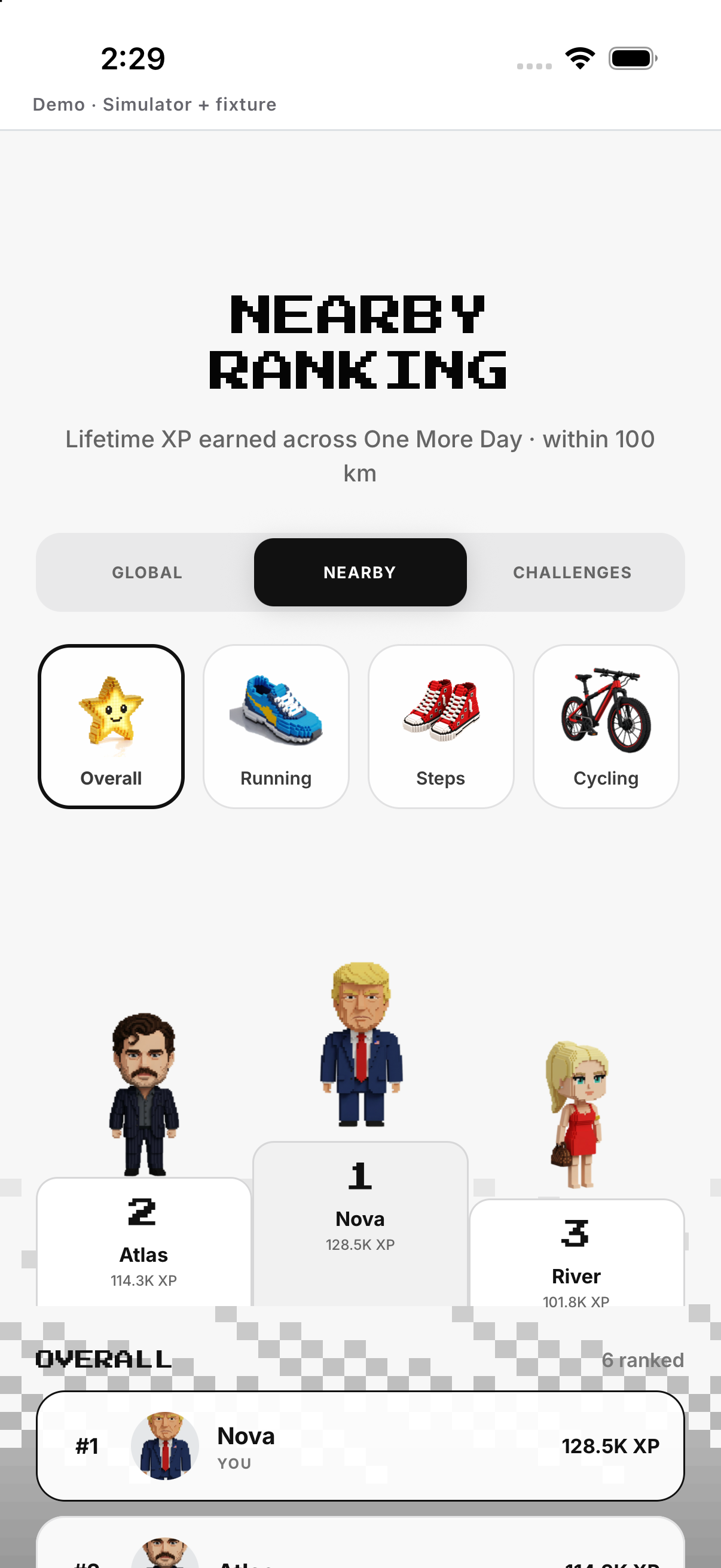
Choose Nearby; availability depends on current social/location data.
- Open Ranking. Loads ranking controls.
- Select Nearby. Requests the location-based scope.
- Allow location if prompted. Lets the app determine eligible nearby entries.
- Read the resulting list or availability message. Shows nearby ranking only when permission and data allow it.
Category ranking
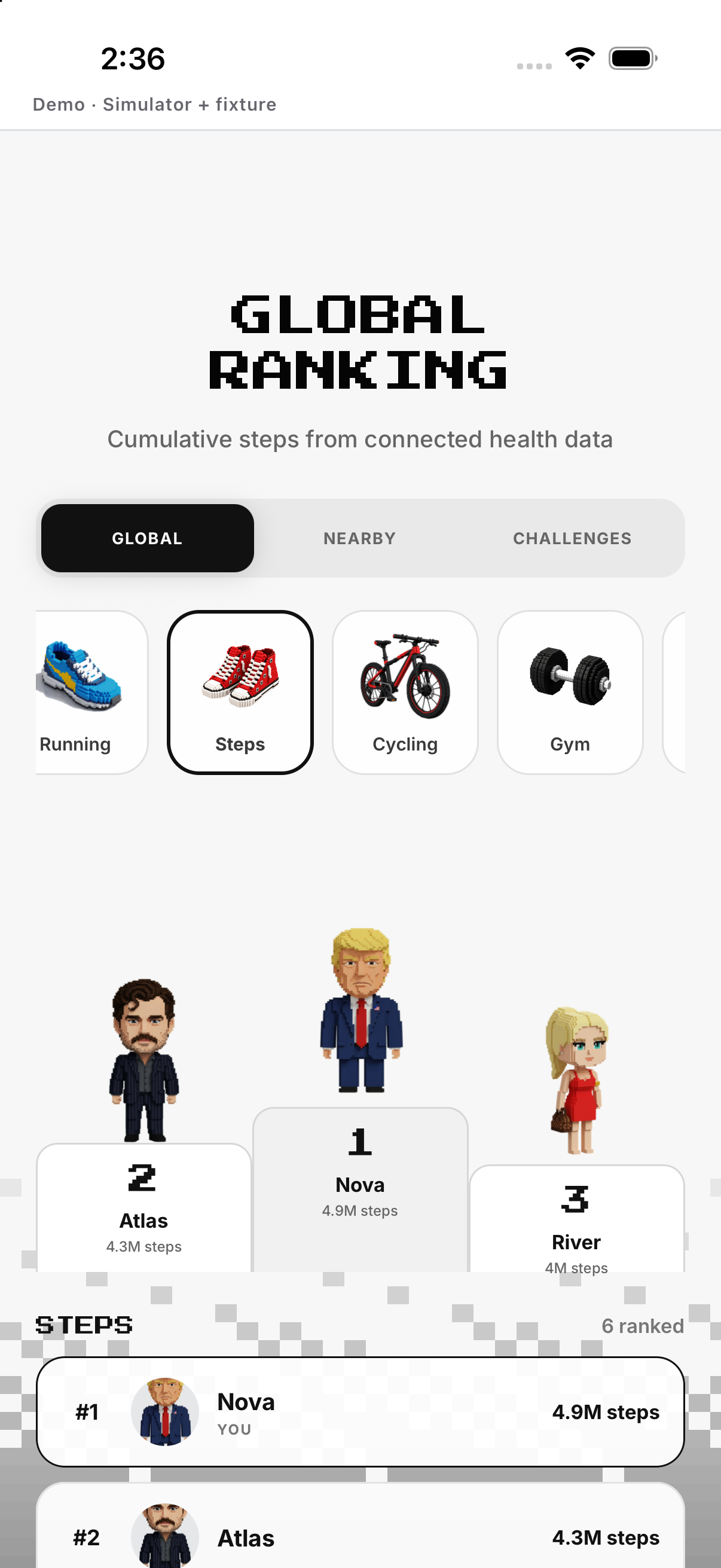
Open selector and choose Running, Steps or another supported category.
- Open Ranking. Loads the leaderboard.
- Open the category selector. Shows supported activity categories.
- Choose Steps or another category. Changes the metric being compared.
- Choose the period when offered. Updates the time window for that category.
Challenge ranking
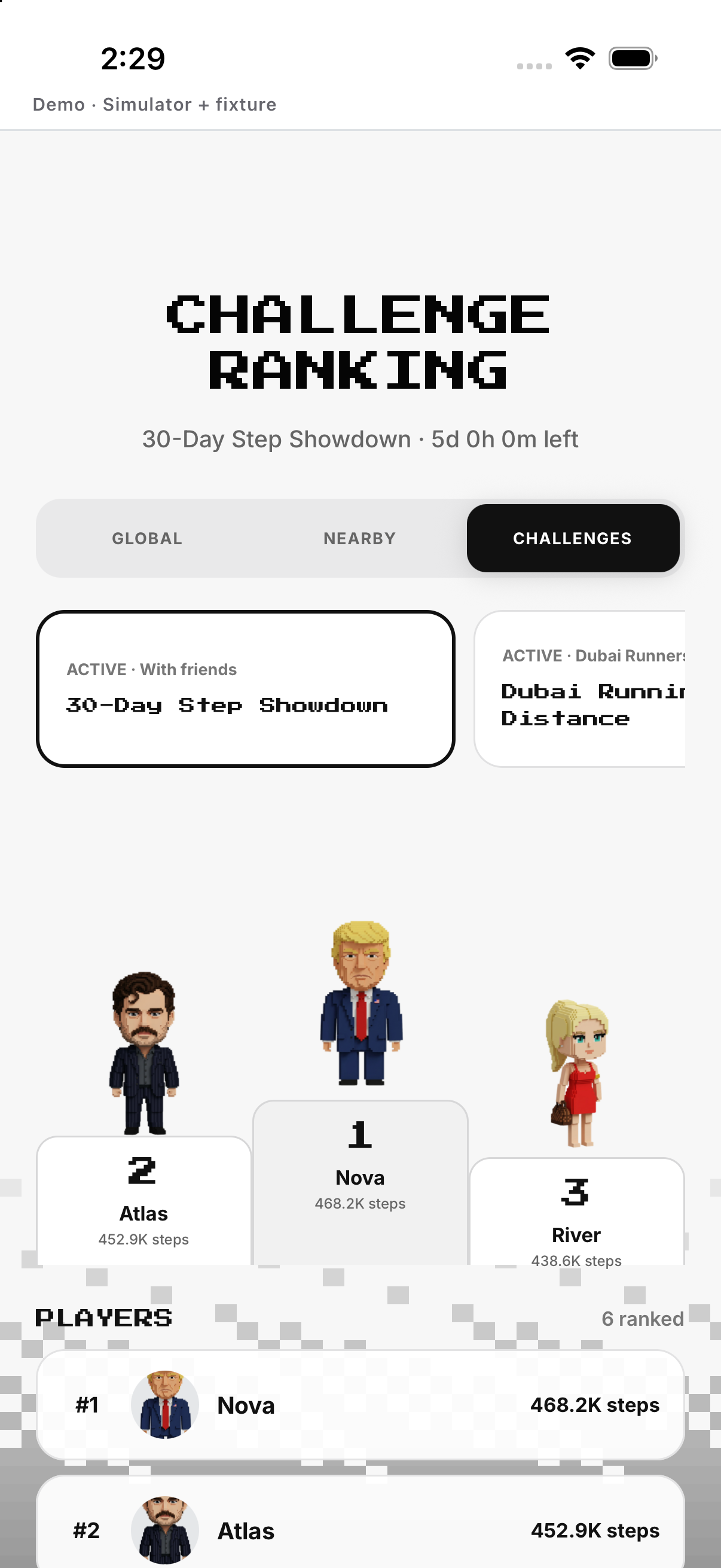
Choose Challenges, select an active challenge and compare.
- Open Ranking. Loads ranking modes.
- Select Challenges. Opens the challenge selector.
- Choose an active challenge. Loads its participant comparison.
- Read the target, period and participant order. Explains the selected challenge ranking.
- Open a participant when permitted. Shows their challenge detail or public profile.
Example
Example: switch Global to Steps.
Keep in mind
Confirm the selected scope before comparing.