
One More Day · Guide
Cycling
Cycling uses the same four outdoor modes with cycling goals and history.
Open the complete visual walkthrough ↗
Getting started
- Set goal, target days and reminder.
- Choose Free, Conquer, Doodle or Discover.
- Start, pause/resume, hold Finish, then review History.
Every feature, step by step
Create or edit Cycling
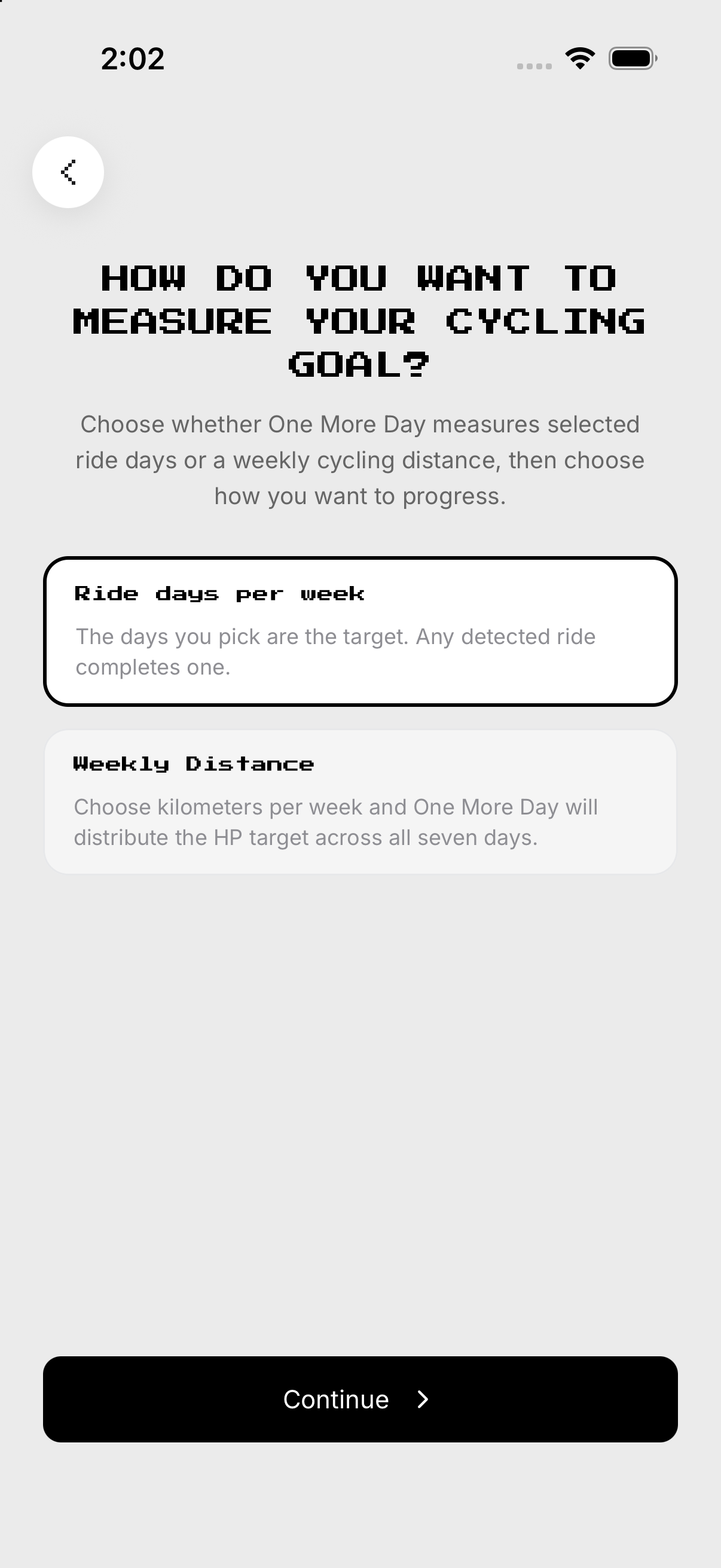
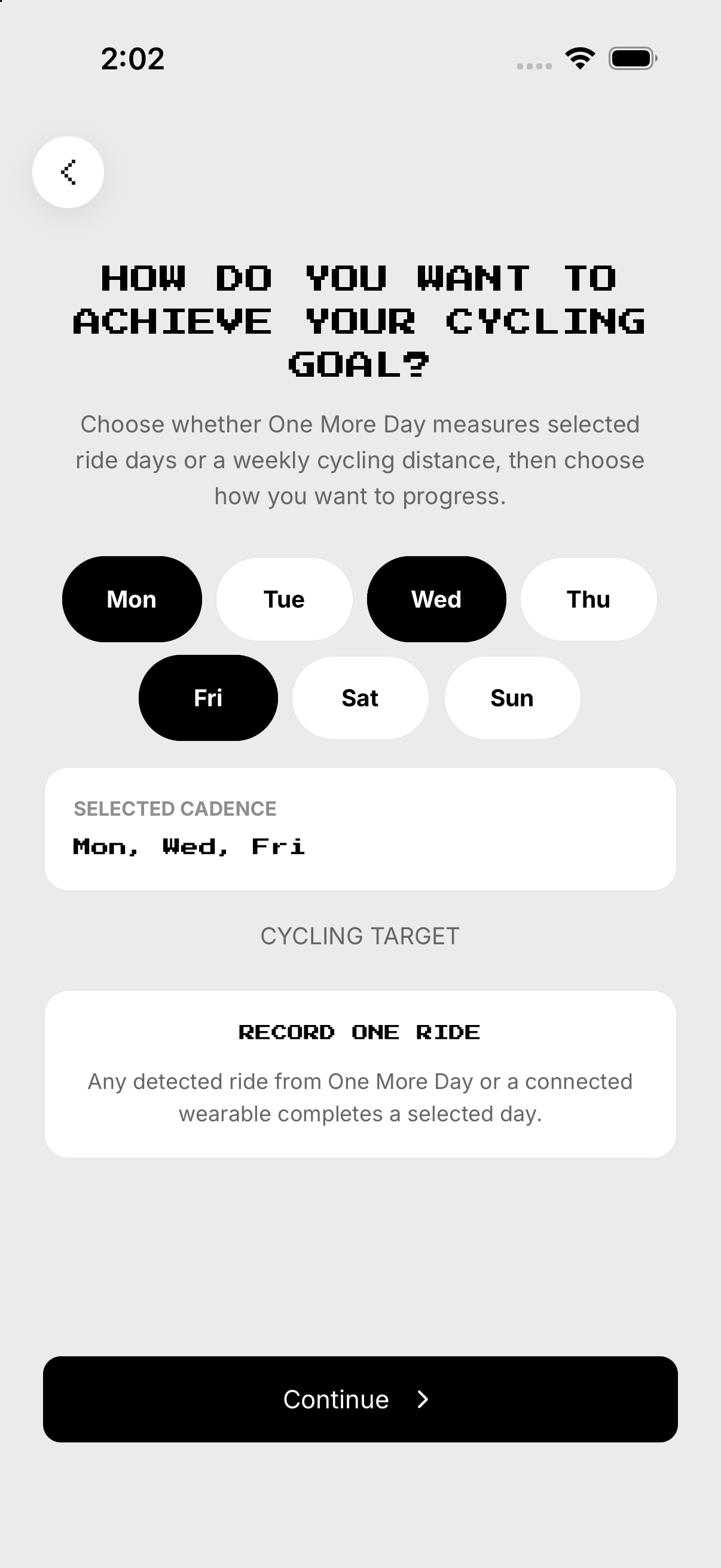
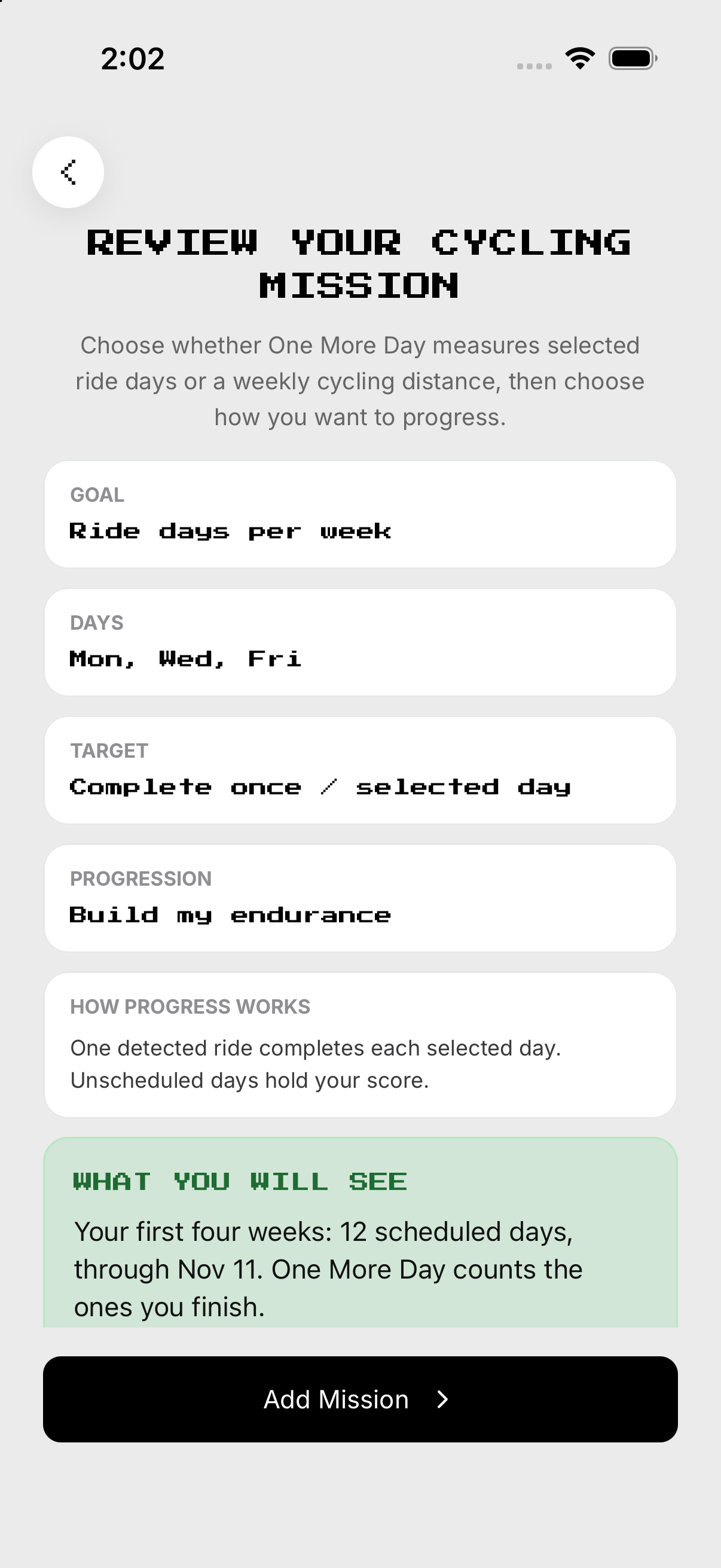
Choose goal and evidence. Save future settings.
- Open Setup. From Missions, open Cycling and tap the gear at the top right to open Setup. Choose goal and evidence.
- Schedule. Choose target days and reminder.
- Intent. Choose the training intent when shown.
- Review. Save future settings.
Free and Conquer
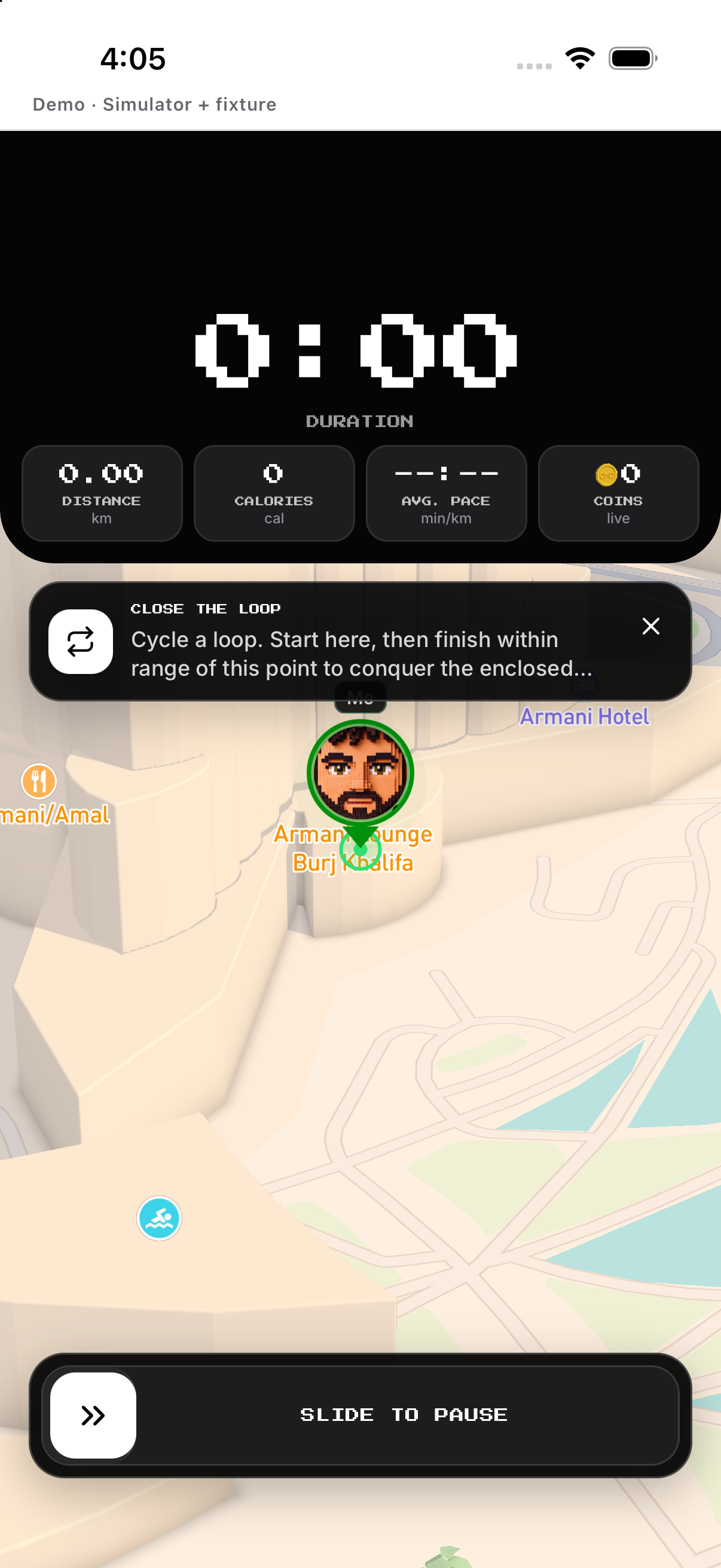
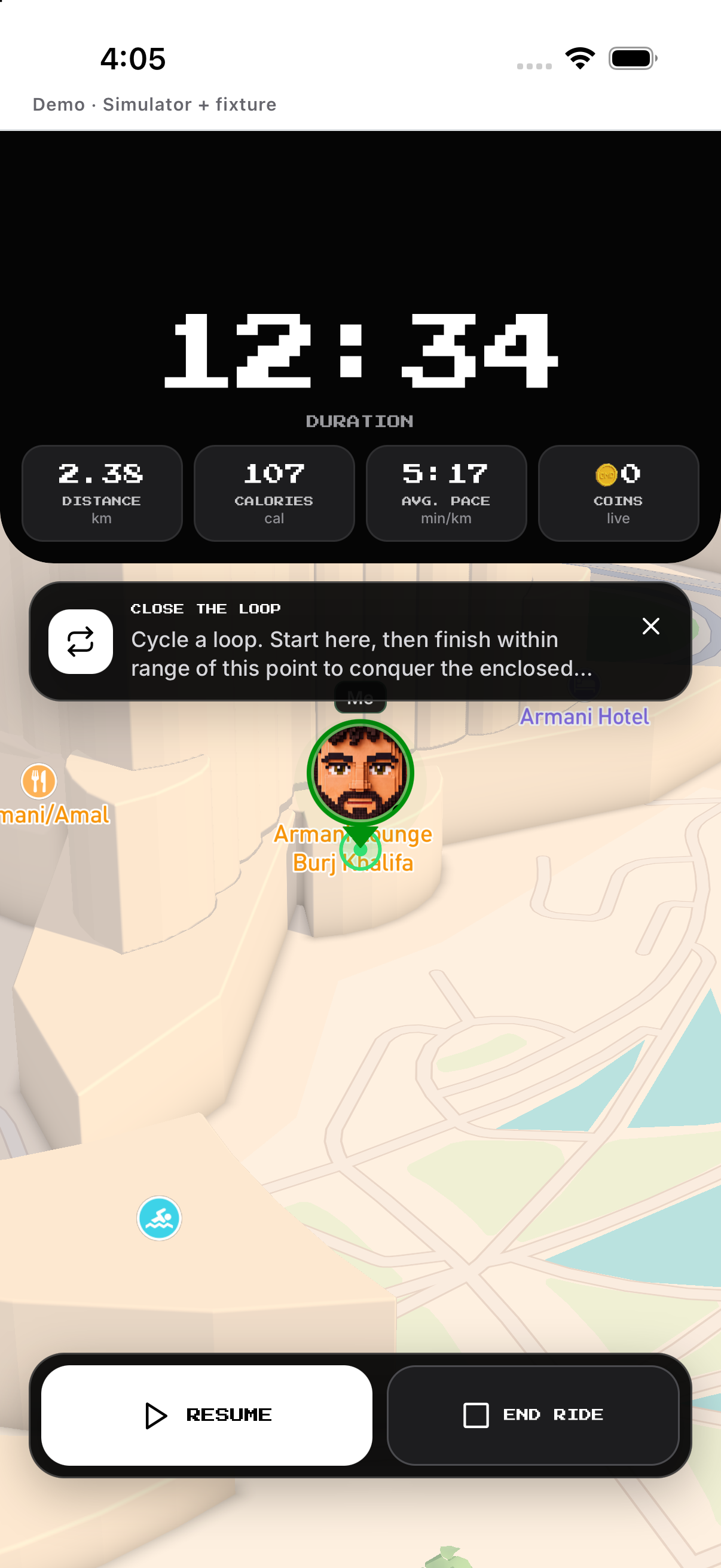
Free records a normal ride; Conquer adds territory. Hold Finish and save or discard.
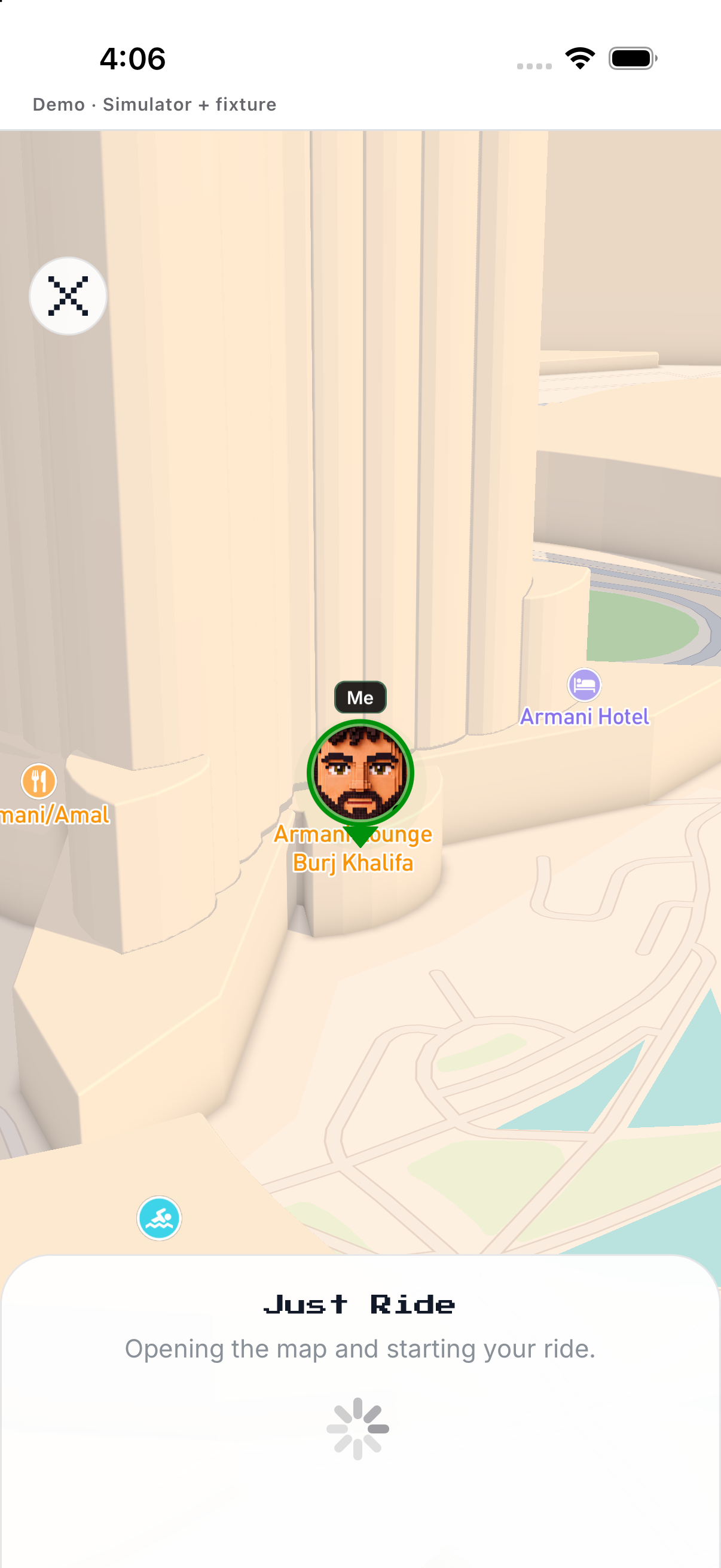
- Choose mode. Free records a normal ride; Conquer adds territory.
- Start. Wait for ready, then begin.
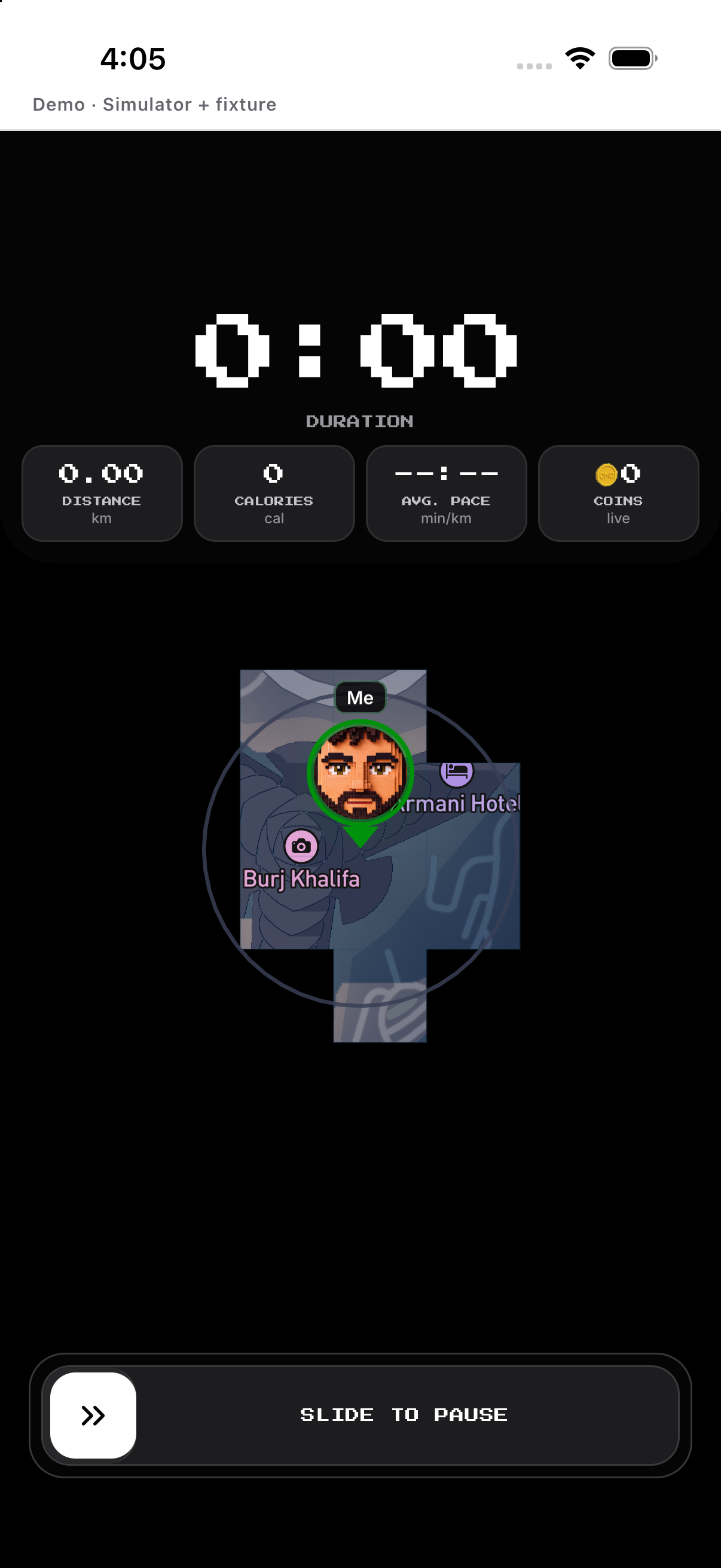
- Pause / Resume. Read the Conquer warning before pausing.
- Finish. Hold Finish and save or discard.
Doodle and Discover
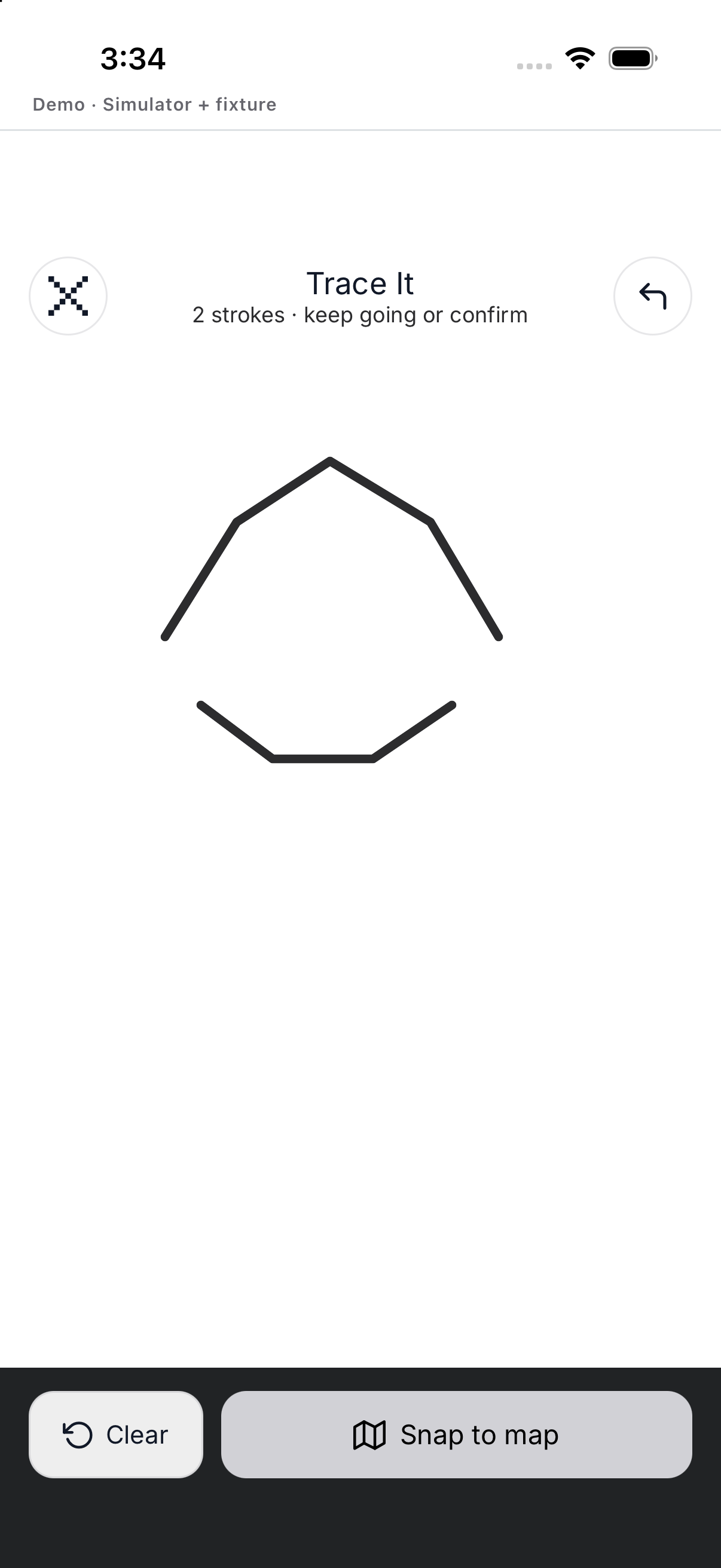
Draw and preview a route. Hold Finish and review before saving.
- Doodle. Draw and preview a route.
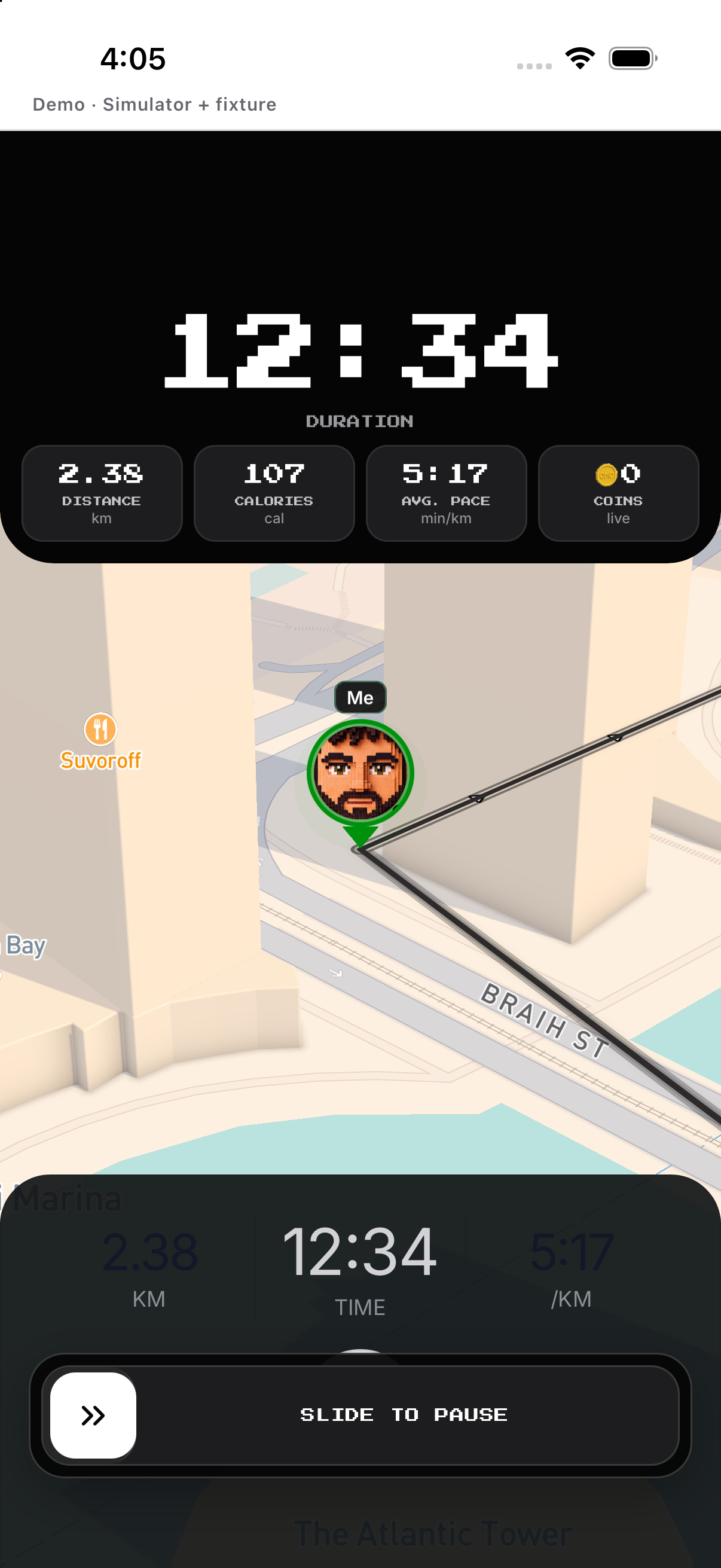
- Discover. Start directly and reveal new map area.
- Track. Pause/resume with the live controls.
- Finish. Hold Finish and review before saving.
History, edit and delete
Open a ride summary and route. Use only for an unfinished current ride.
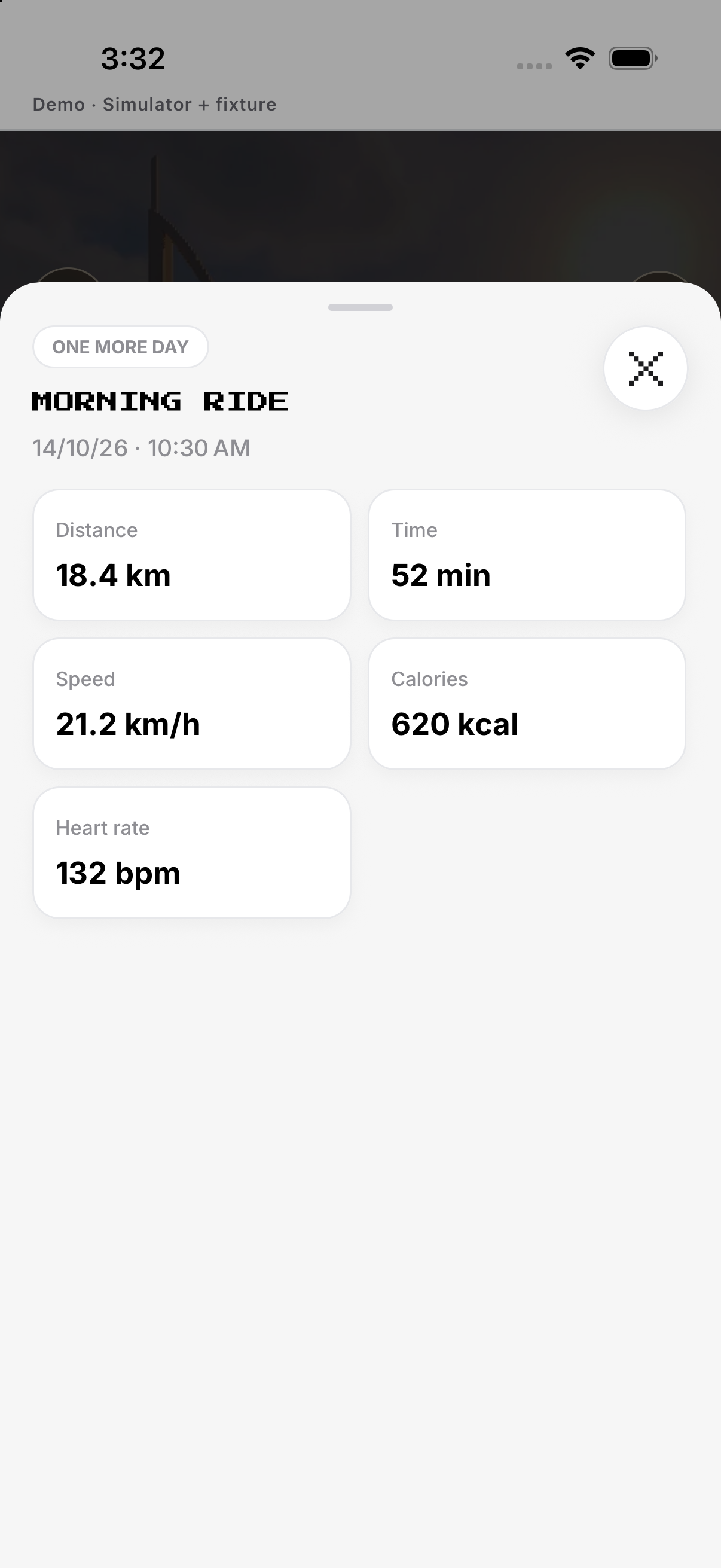
- History. Open a ride summary and route.
- Edit. Use Setup for future goals, days or reminder.
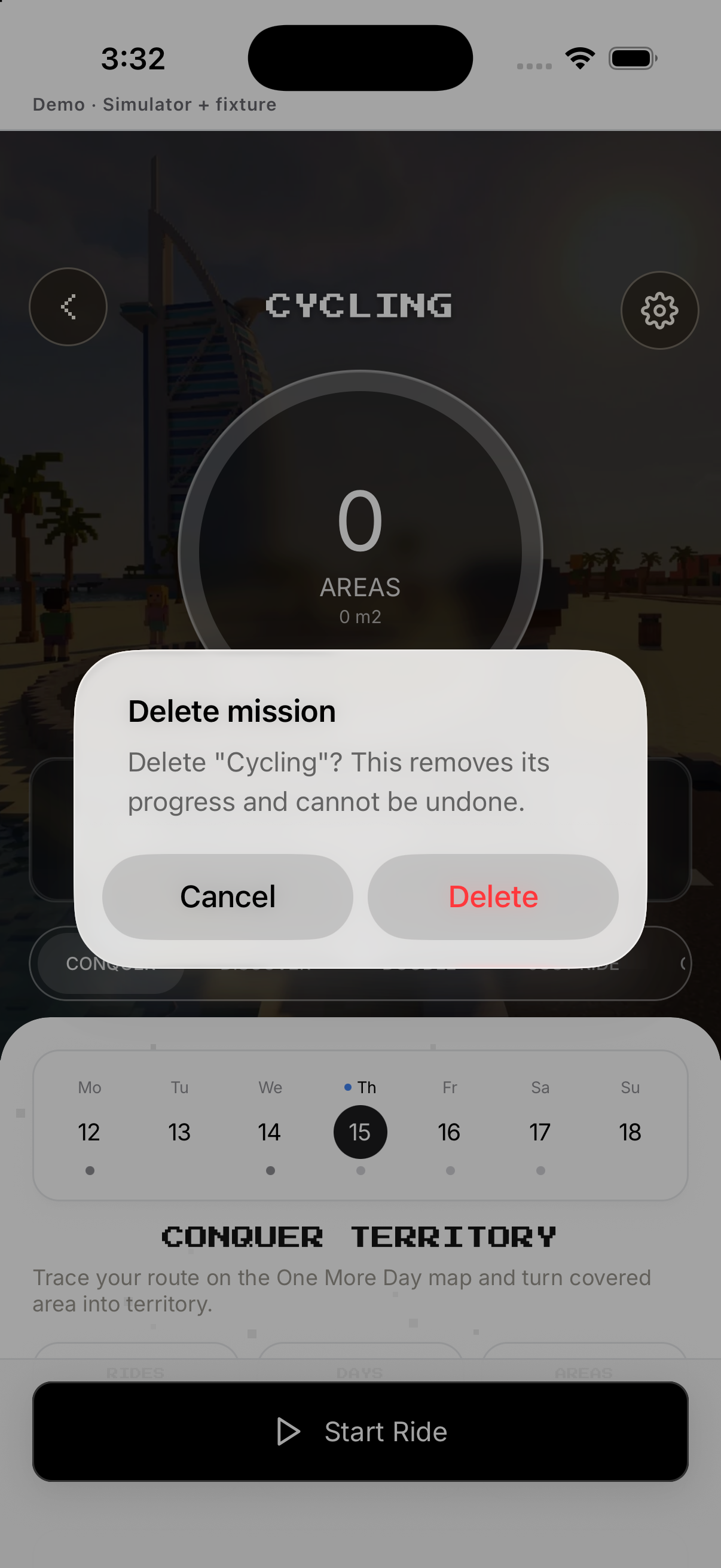
- Delete. Tap Delete mission and confirm.
- Discard. Use only for an unfinished current ride.
Example
Sketch a loop in Doodle before riding it.
Keep in mind
Location accuracy affects mapped routes.