
One More Day · Guide
i.fasting
Choose a protocol and operate a server-timed fasting/eating window.
Open the complete visual walkthrough ↗
Getting started
- Select protocol, schedule, start time and reminder.
- Start fasting or eating; use the active timer.
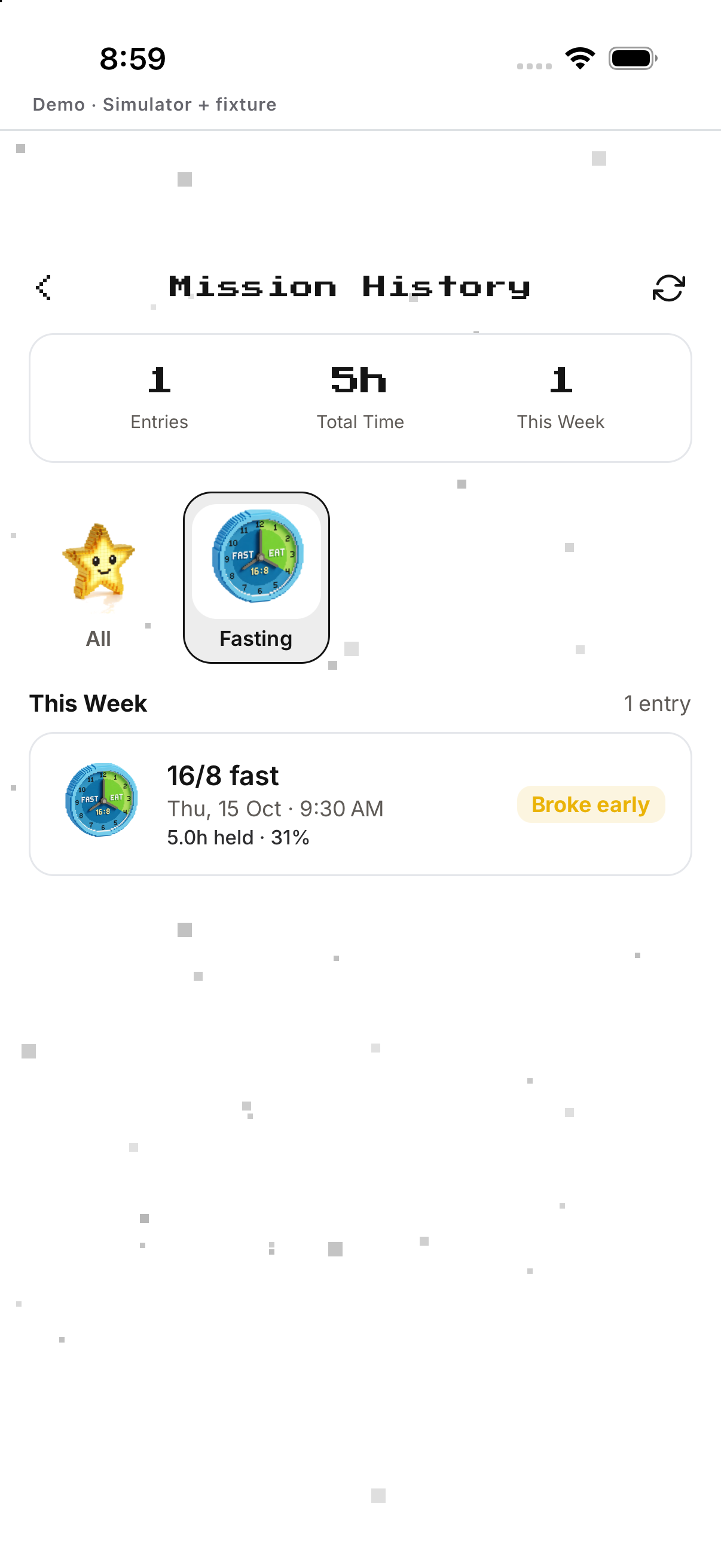
- Confirm finish/switch; review completed windows in History.
Every feature, step by step
Create or edit fasting
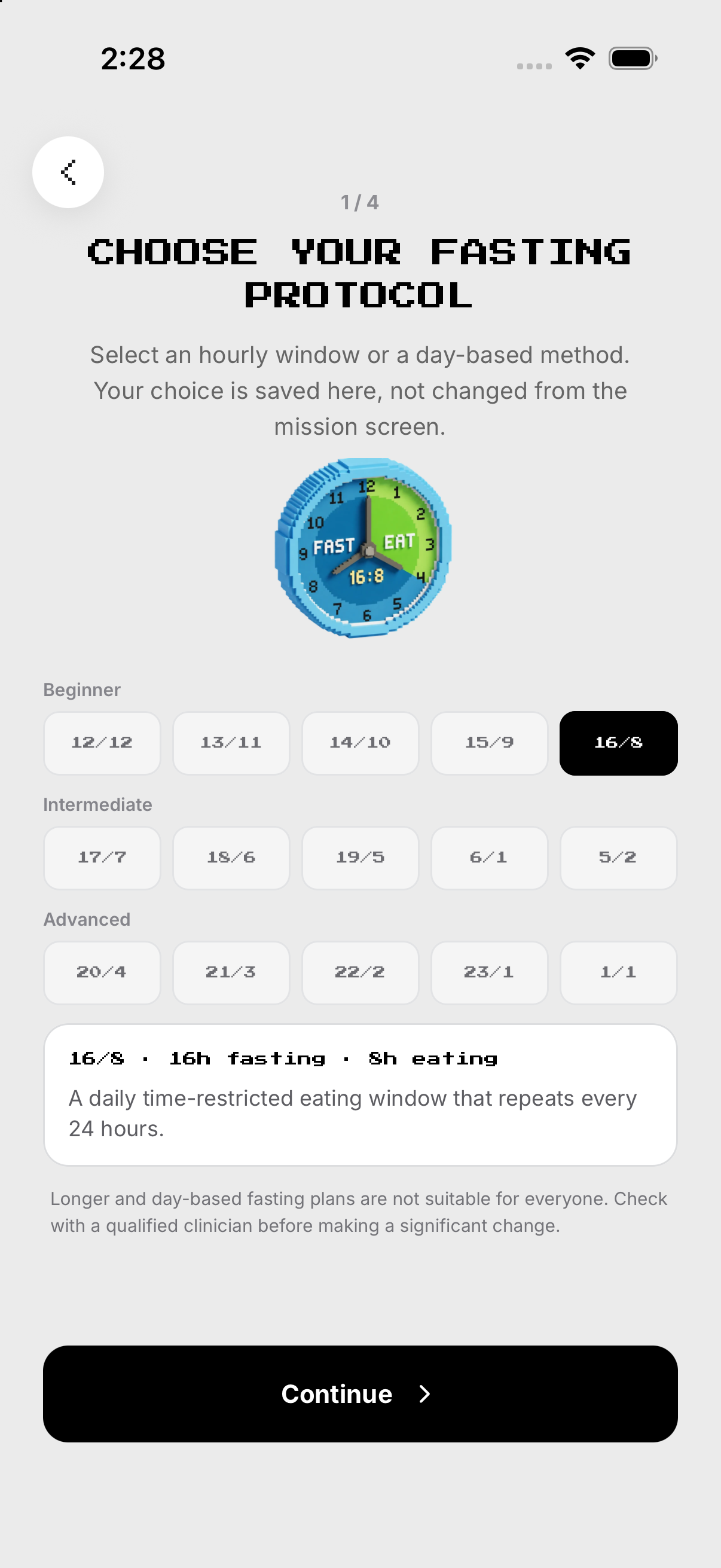
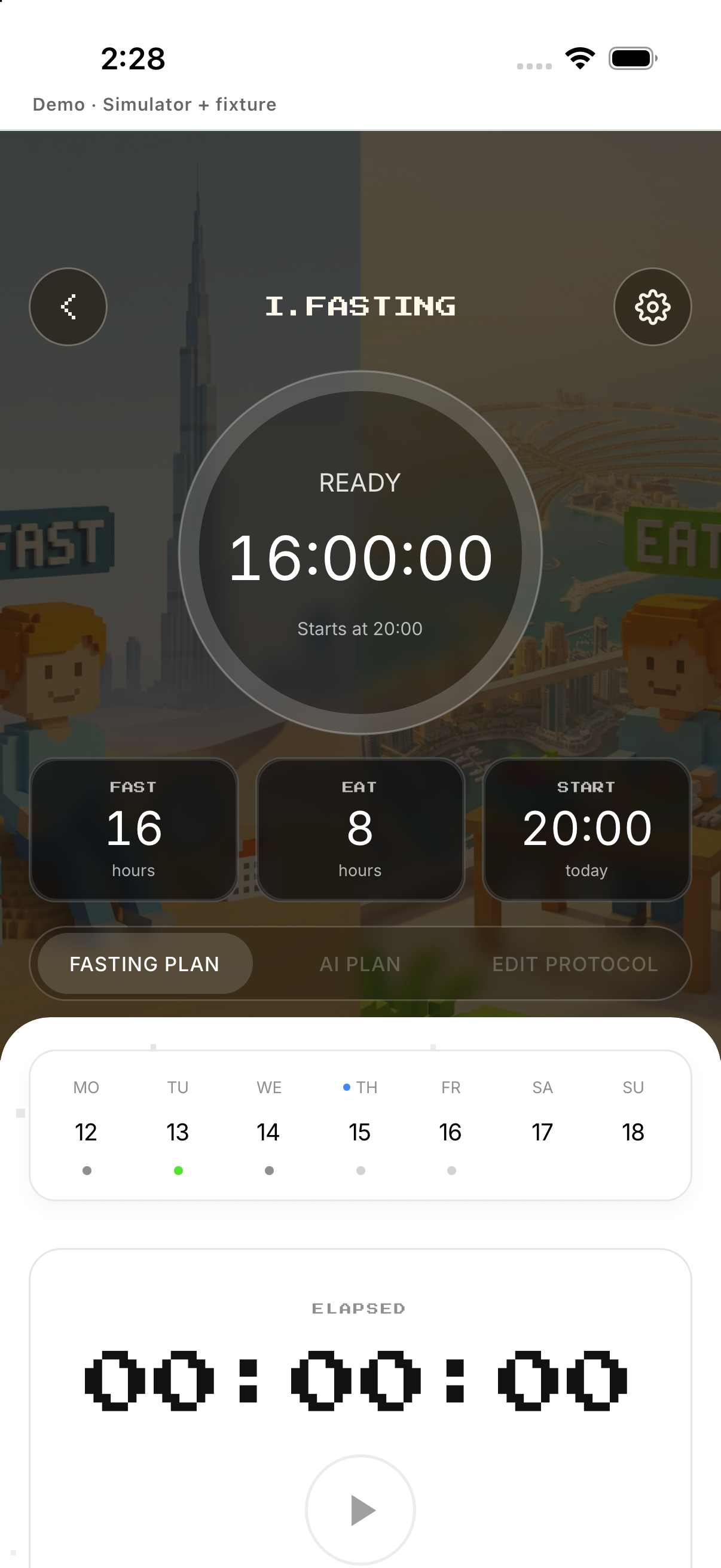
Choose fasting/eating duration. Save the rhythm.
- Protocol. From Missions, open i.fasting and tap the gear at the top right to open Setup. Choose fasting/eating duration.
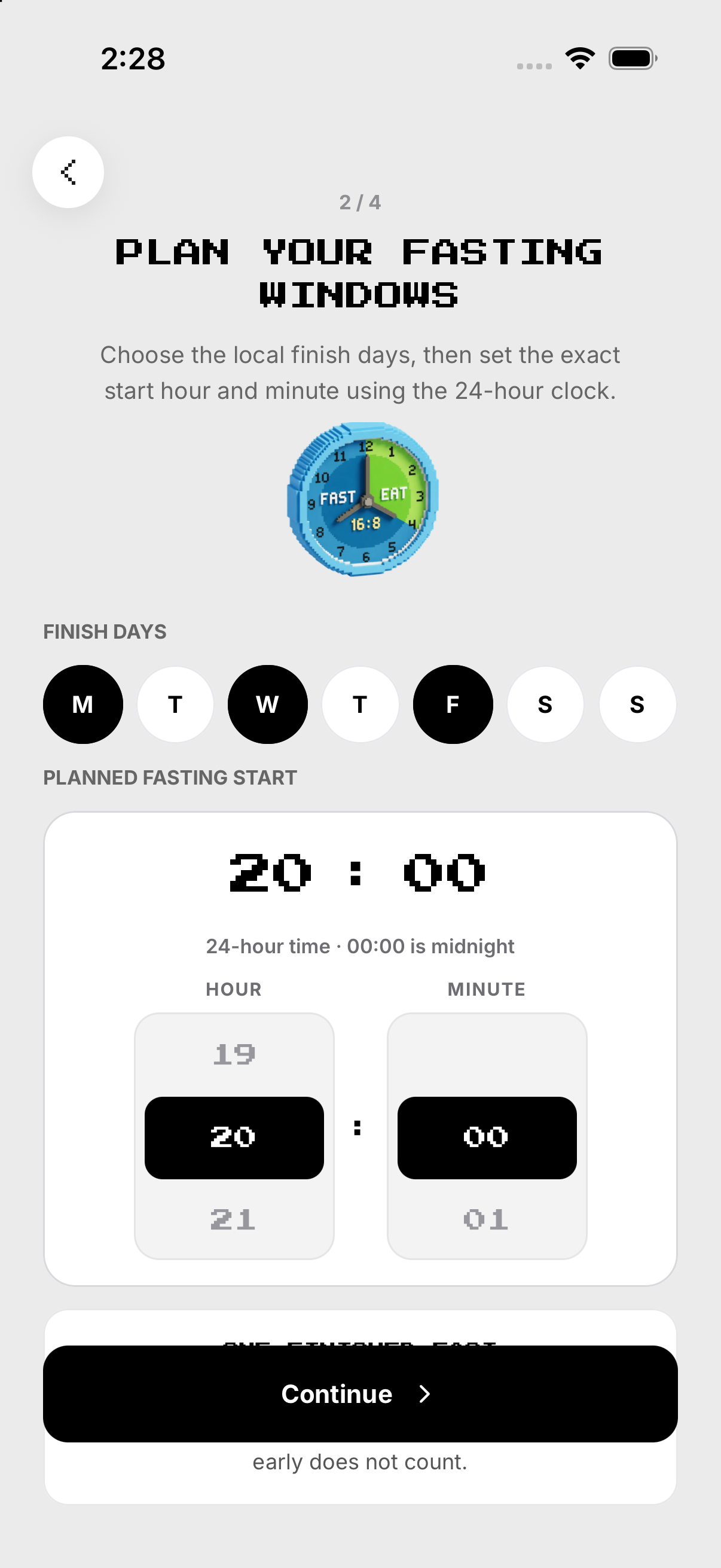
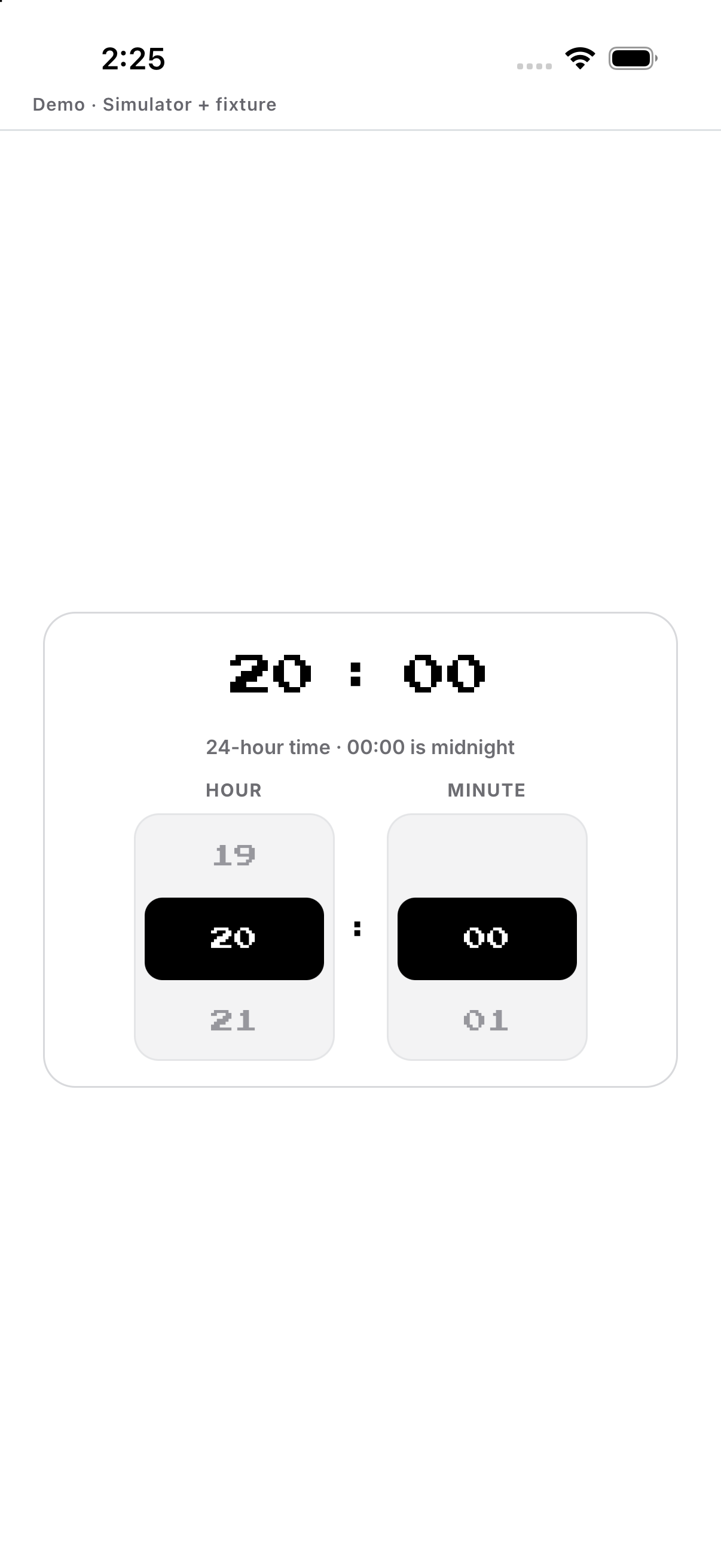
- Schedule. Choose days and start time.
- Reminder. Set or skip.
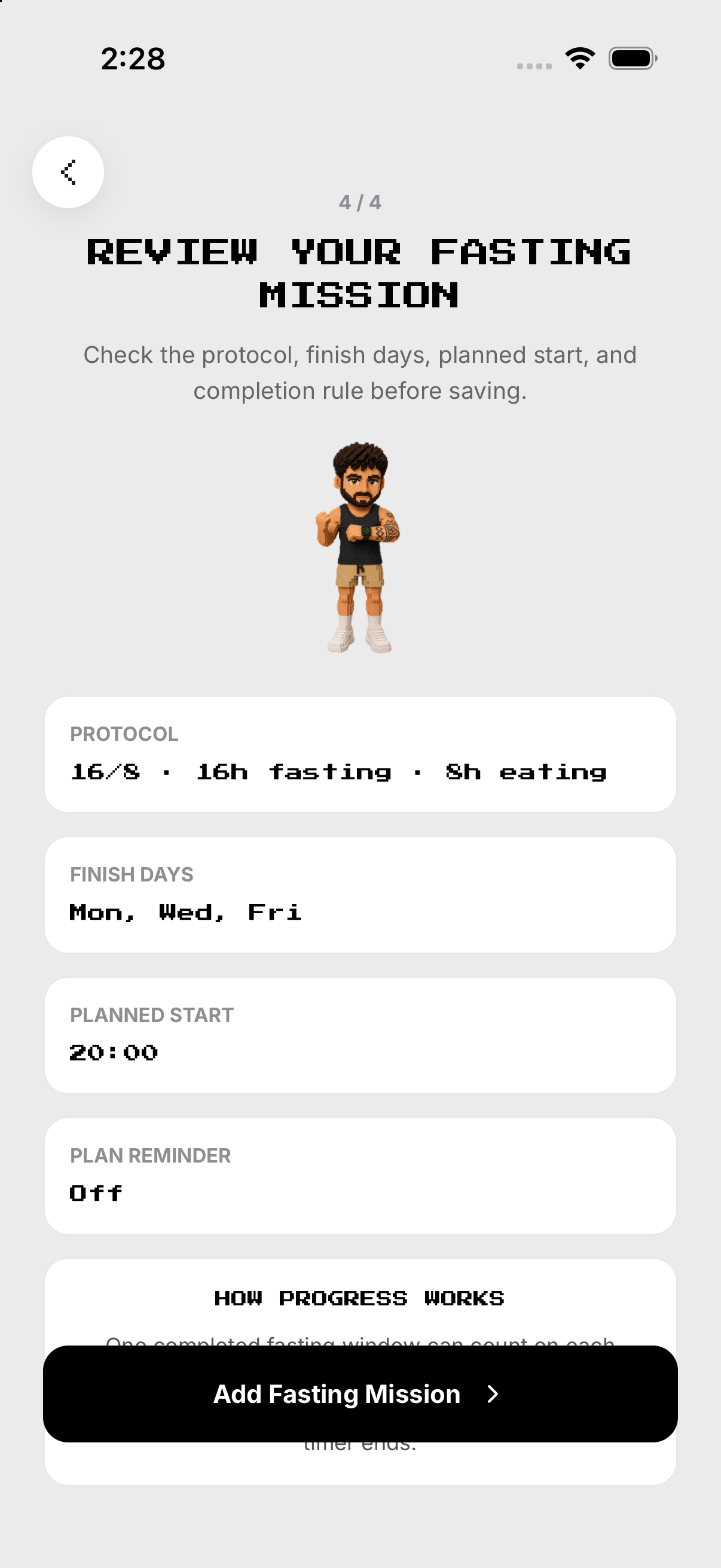
- Review. Save the rhythm.
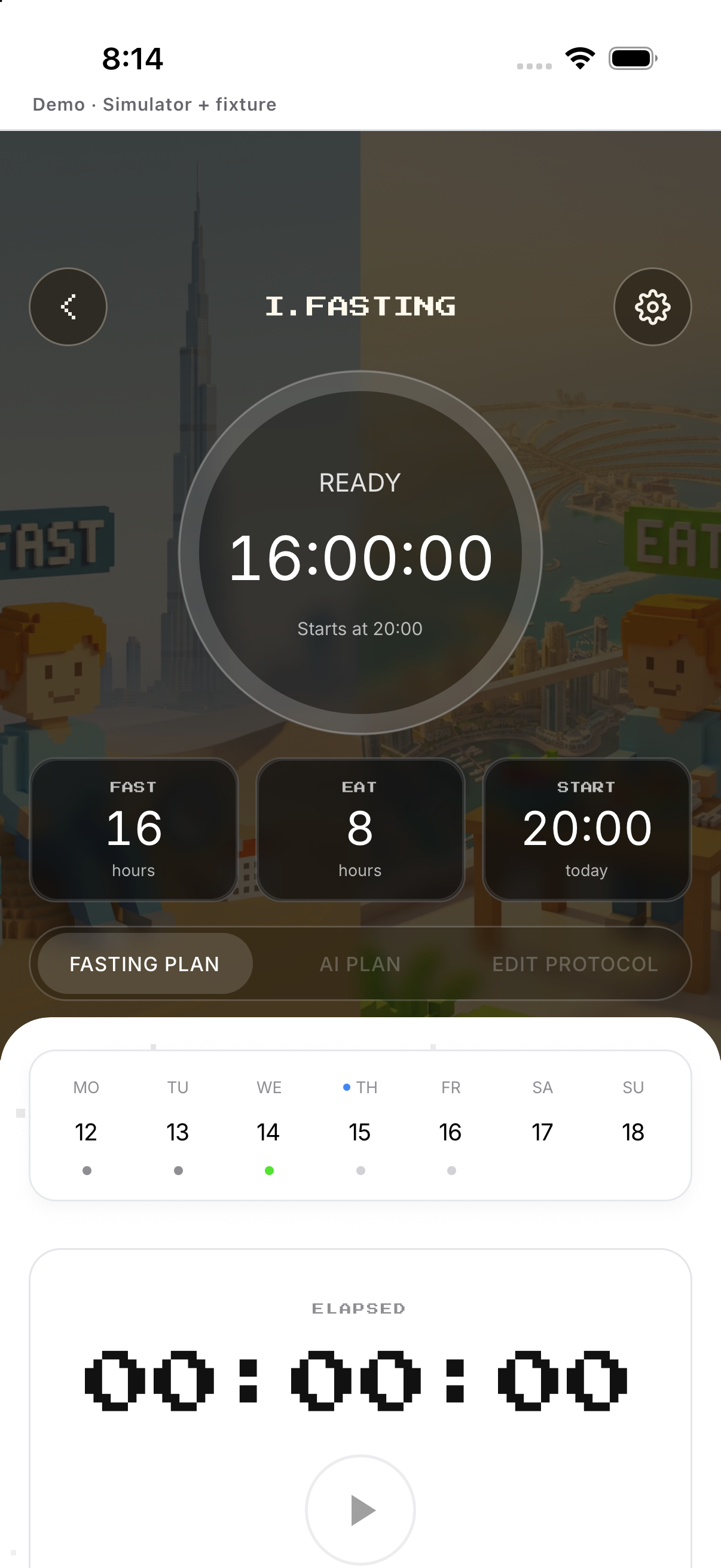
Start a window
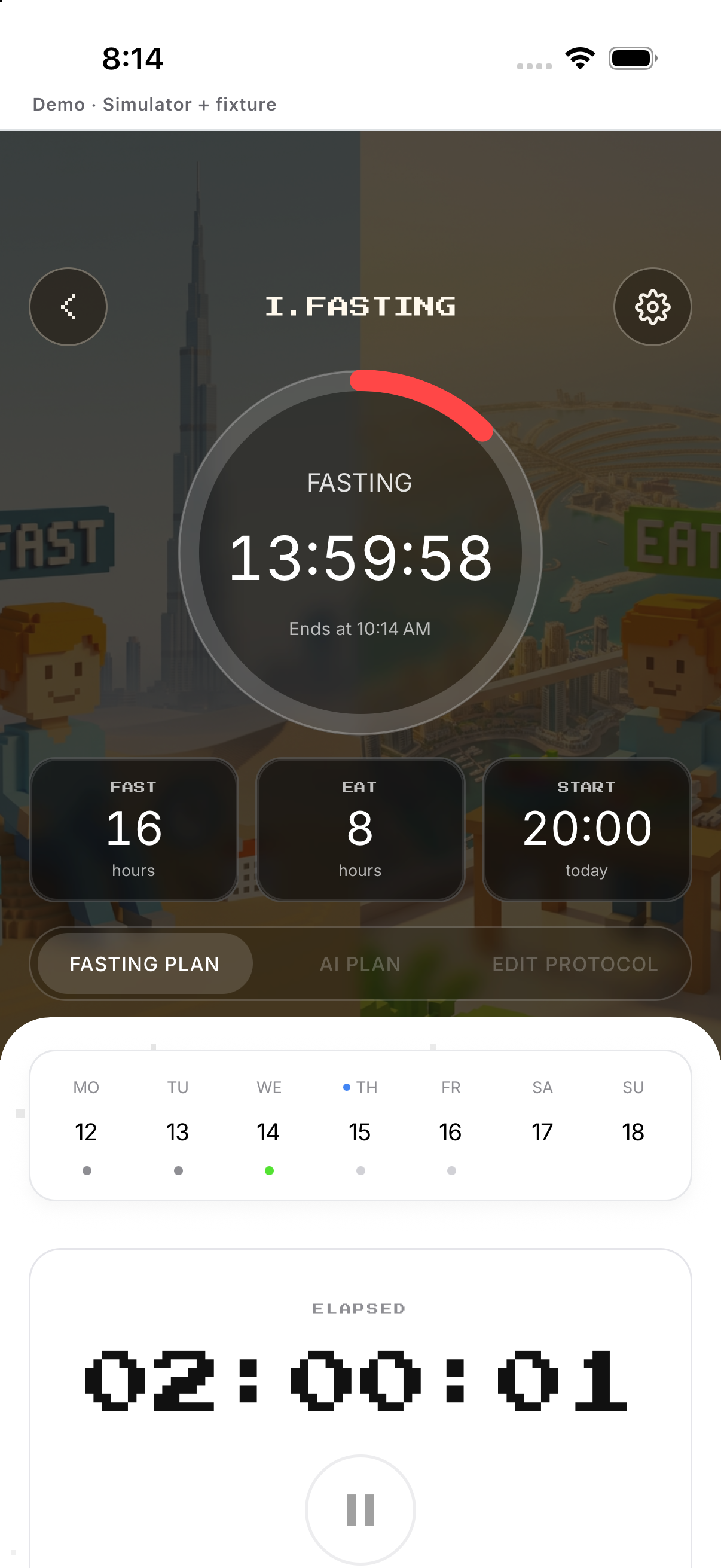
Creates the server-timed fasting window. If offered, it mirrors the timer; the app surfaces start failures.
- Start fast. Creates the server-timed fasting window.
- Start eating. Creates the eating window when appropriate.
- Timer. Watch elapsed/remaining state.
- Live Activity. If offered, it mirrors the timer; the app surfaces start failures.
Finish or cancel
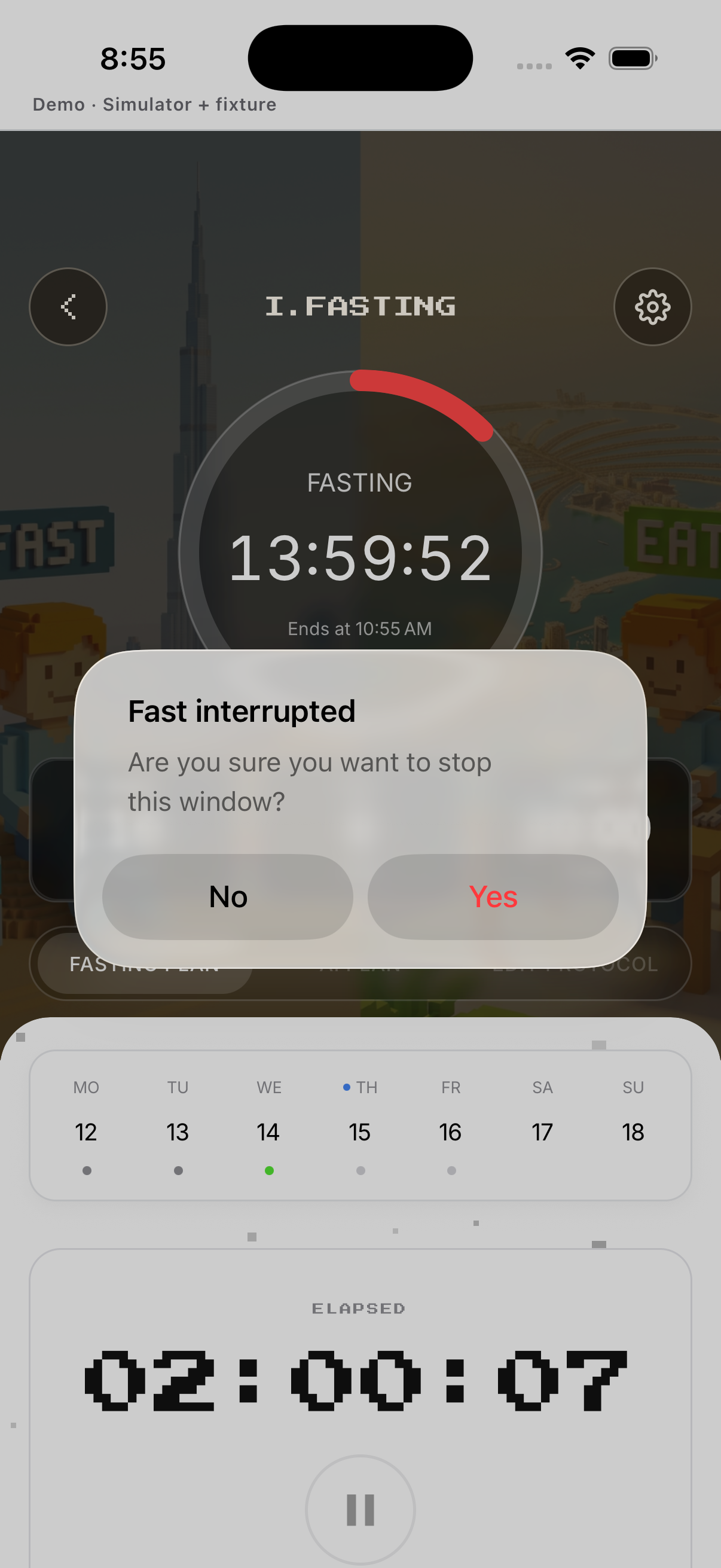
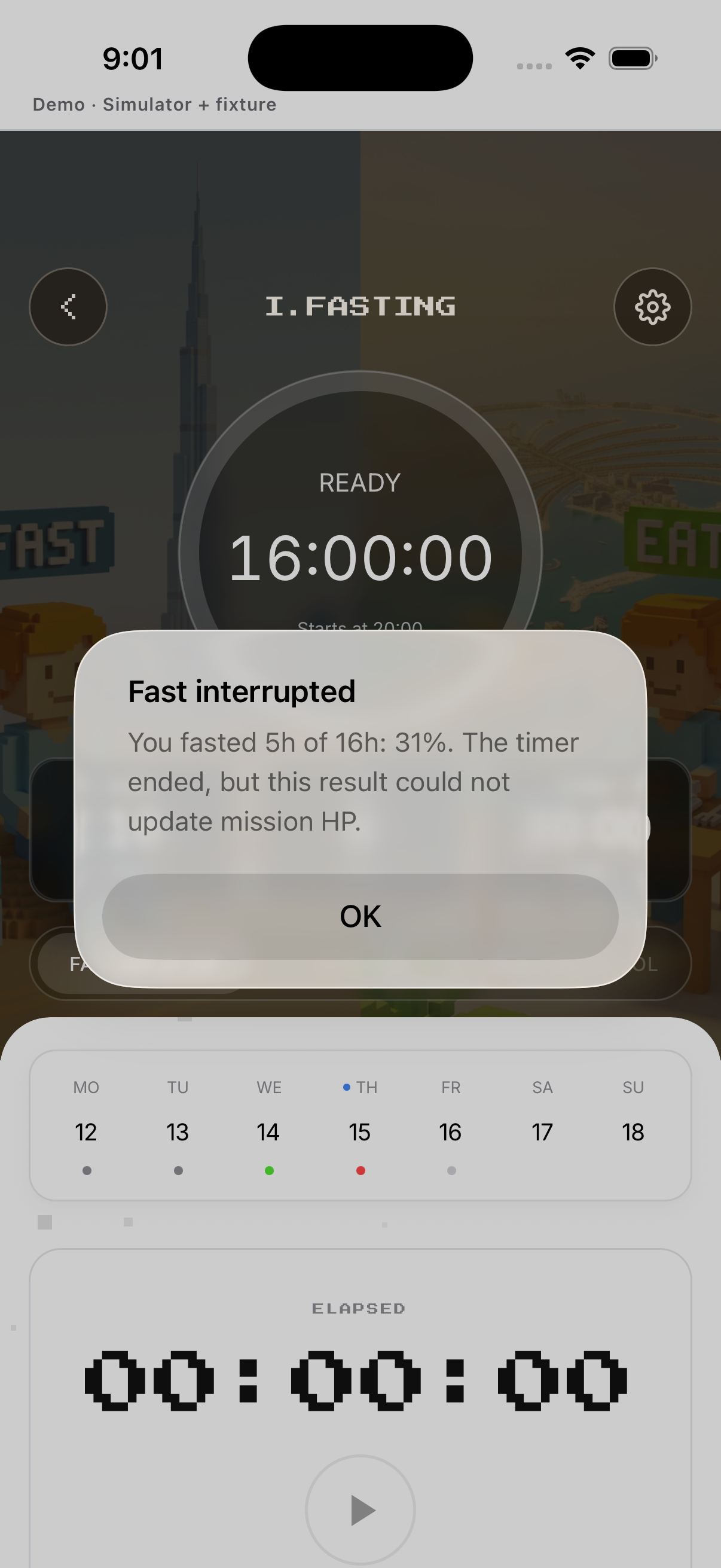
Choose to finish/switch the phase. Completed or early-ended windows appear in History.
- Active action. Choose to finish/switch the phase.
- Confirm. Read the stop confirmation.
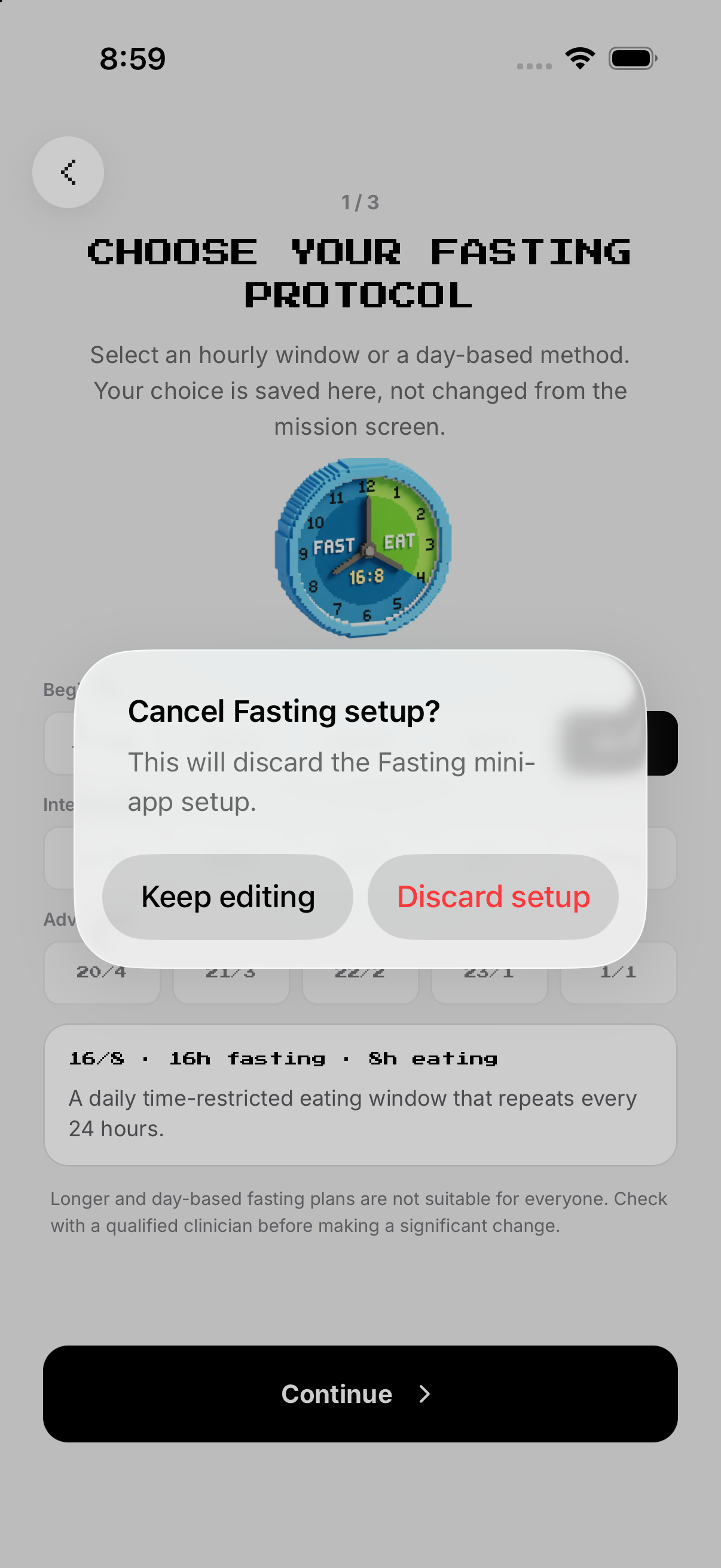
- Cancel. Returns to the active timer.
- Result. Completed or early-ended windows appear in History.
History, edit and delete
Review duration and result. Return if you meant only to edit.
- Completed windows. Review duration and result.
- Edit. Change protocol/schedule for future windows.
- Delete mission. Tap Delete mission and confirm.
- Cancel delete. Return if you meant only to edit.
Example
Choose 16:8 and an evening start time.
Keep in mind
A guided-tour preview never starts, switches or ends a real timer.